



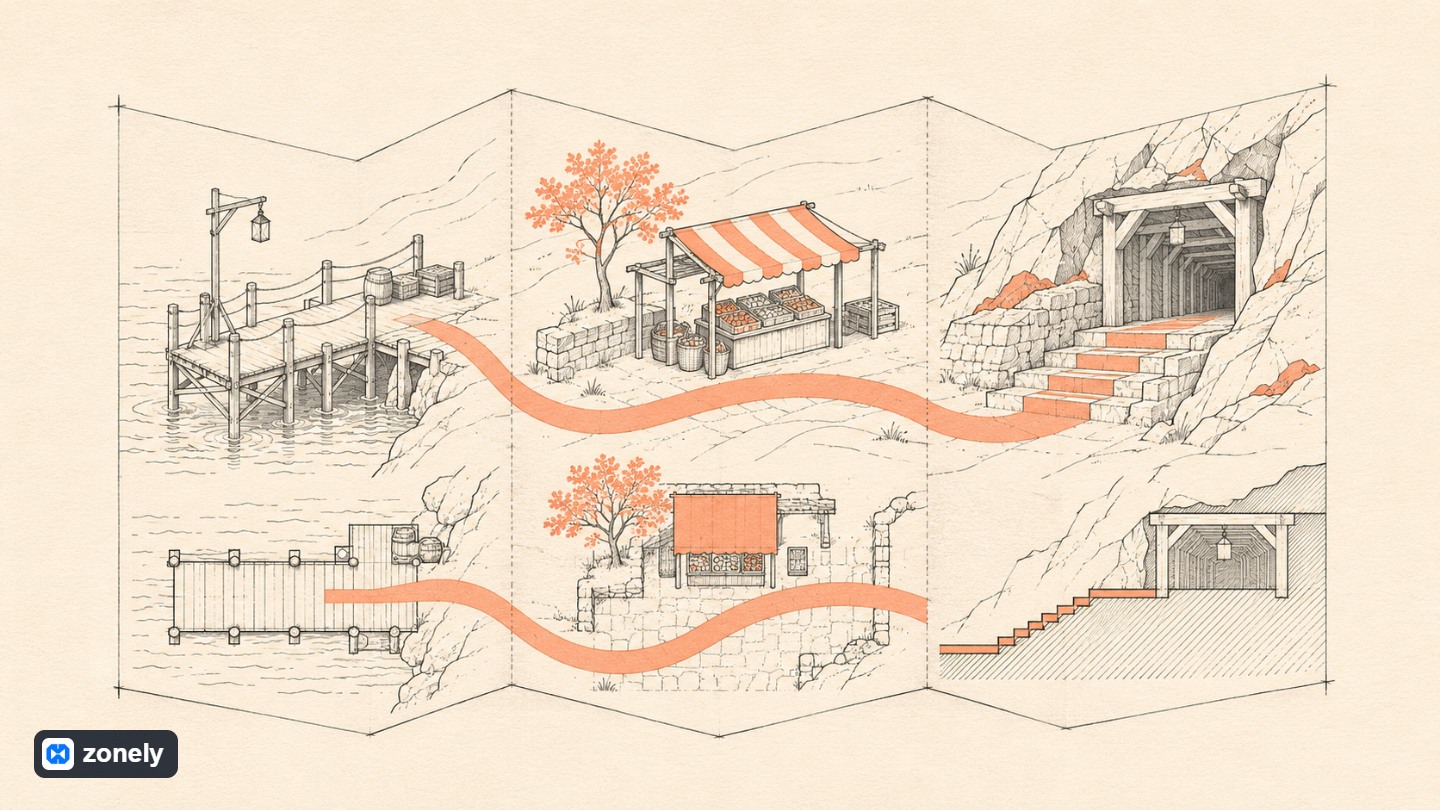


When you say “Add a map to the site” a designer also wonders the same thing as an artificial intelligence assistant. What to find on the player’s map? The answer is simple in our example. You can find the scaffold, market and start mine from the phone one who joined the server. While preparing this guide MCP (Model Context ProtocolYou can connect an artificial intelligence assistant to your site’s tools.
In the first trial, you can warn our map sample to your own site. The same request for a bookstore may show three branches on an easy-to-read page on the phone. Start work by selecting a page where the assistant can access and asking the current title and content. Tell what you want to add if you can describe the page you see.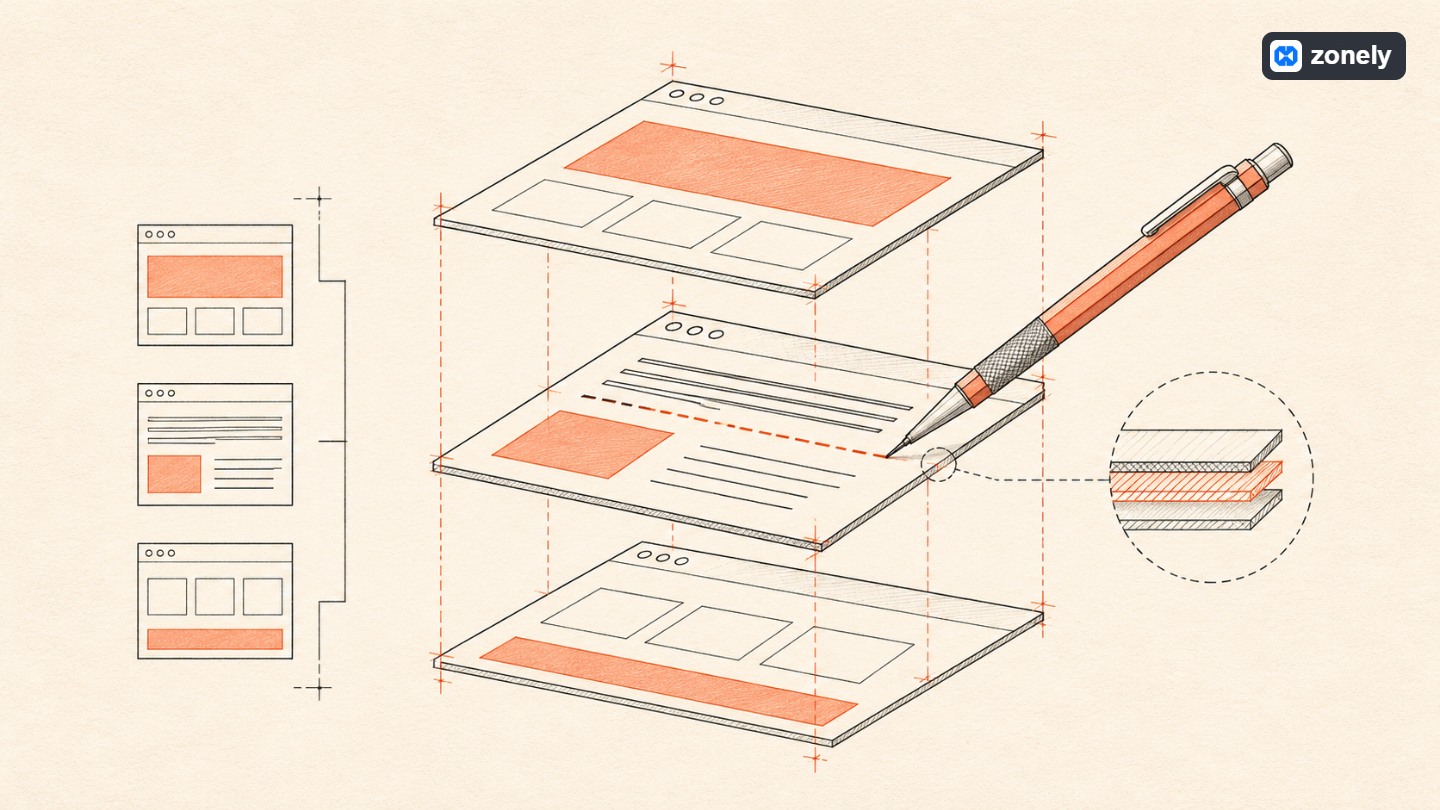 The authorized SFTP connection allows the agent to read and make changes. If the system you use is offering the theme files with SFTP, you can prepare the link from your own hosting or theme management vehicle. First read the active theme and the target page. When you say “Show immediately below the rehber header” the assistant will be prepared by that title. You can find. If the two separate titles on your page are similar, ask a few neighboring lines. So you can book the header inside the page with the link in the mobile menu.
The following small piece tells you the difference that you want to see in a draft. There are already on the first line theme. The second line is the recommended area to place the new list. The ID here belongs to the driver.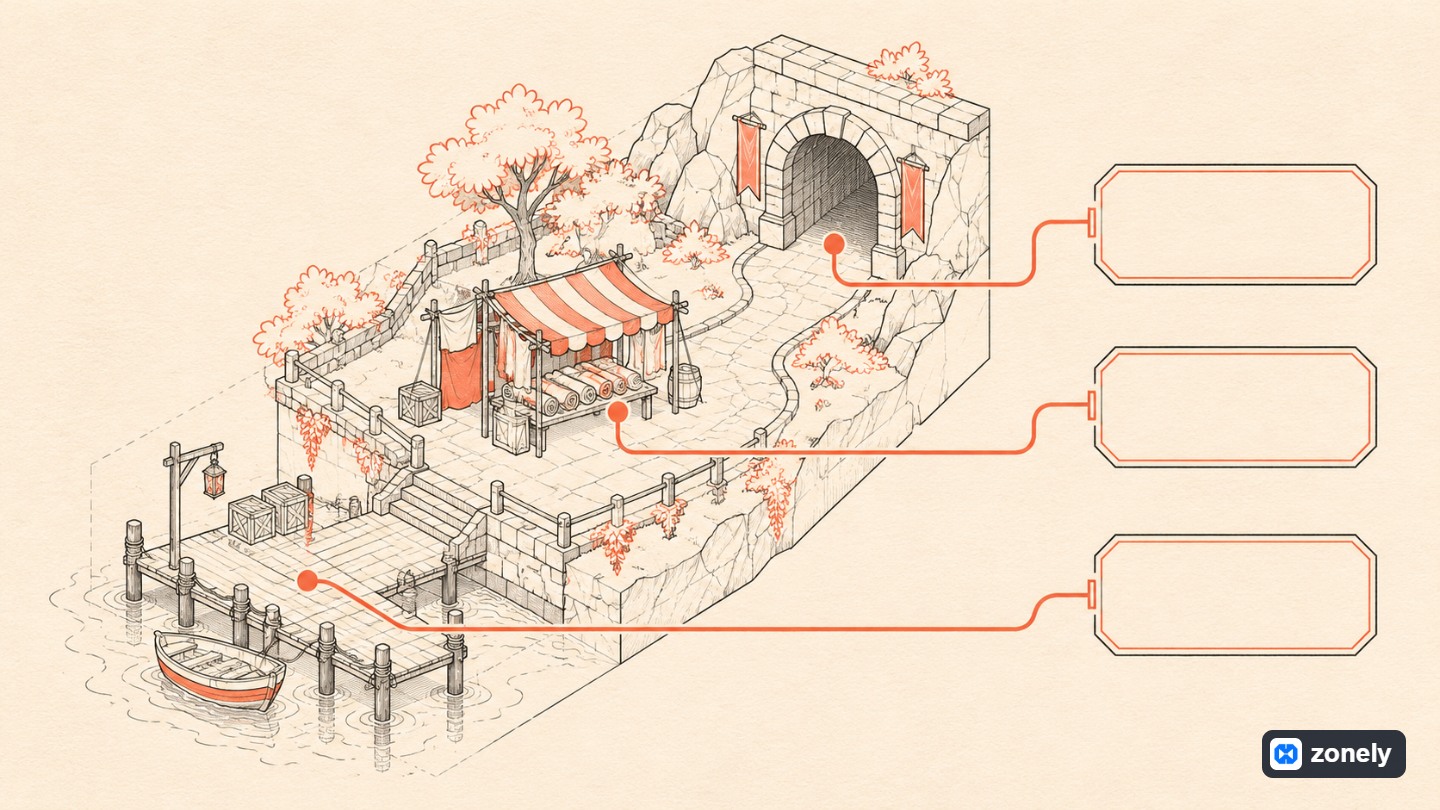 Think of three parts of the sample map module. The package definition informs the identity, version, target theme and the processes it offers. The template provides space and appearance for the list that the player sees. The API side of the module reads attractions to be shown. For example, when the visitor guide opens the page location list. Reading process returns the registered names and coordinates. View also “Market” placing the name into the same card with its own coordinates.
You’ll see the opposite of this separation when market is moved. With a competent management process, you will update coordinate record. When you read the page new list, the new coordinate appears on the same card. To fix the color of the card, you don’t need to touch the location records once. If the list is empty, write “No location added” is good to say that it fails to install if data is not received detail. It is different that the manager will do in two cases.
The process that rotates open positions to everyone on the developer side can be opened alone. If the registration-changing process requires authorized session, POST request and CSRF verification. Database object and parameter queries provided to him in the data access of the module are used. The template side is prepared with the template language supported by HTML or panel. The place of PHP code to run is prepared by the package API field.
Imagine that you’re going to another place on the same week market. Do this time the problem fit the article, do it show wrong coordinate of the card? Ask the page view to read the value that the location list from the agent returned for the market before renewing. The rotating value is also recording what to fix if it is old. When the list shows the old value of the card when the new coordinates, which time the appearance is you look at the area uses. Thanks to this distinction, you are not re-reading in every data correction.
Finally ask for a short delivery note from the agent until the next person will understand. Which is the page that opens the map, where location names come, which template will be looked if the design will change? When the developer who joined your team receives the message "Started mine" he will wound three lines of work.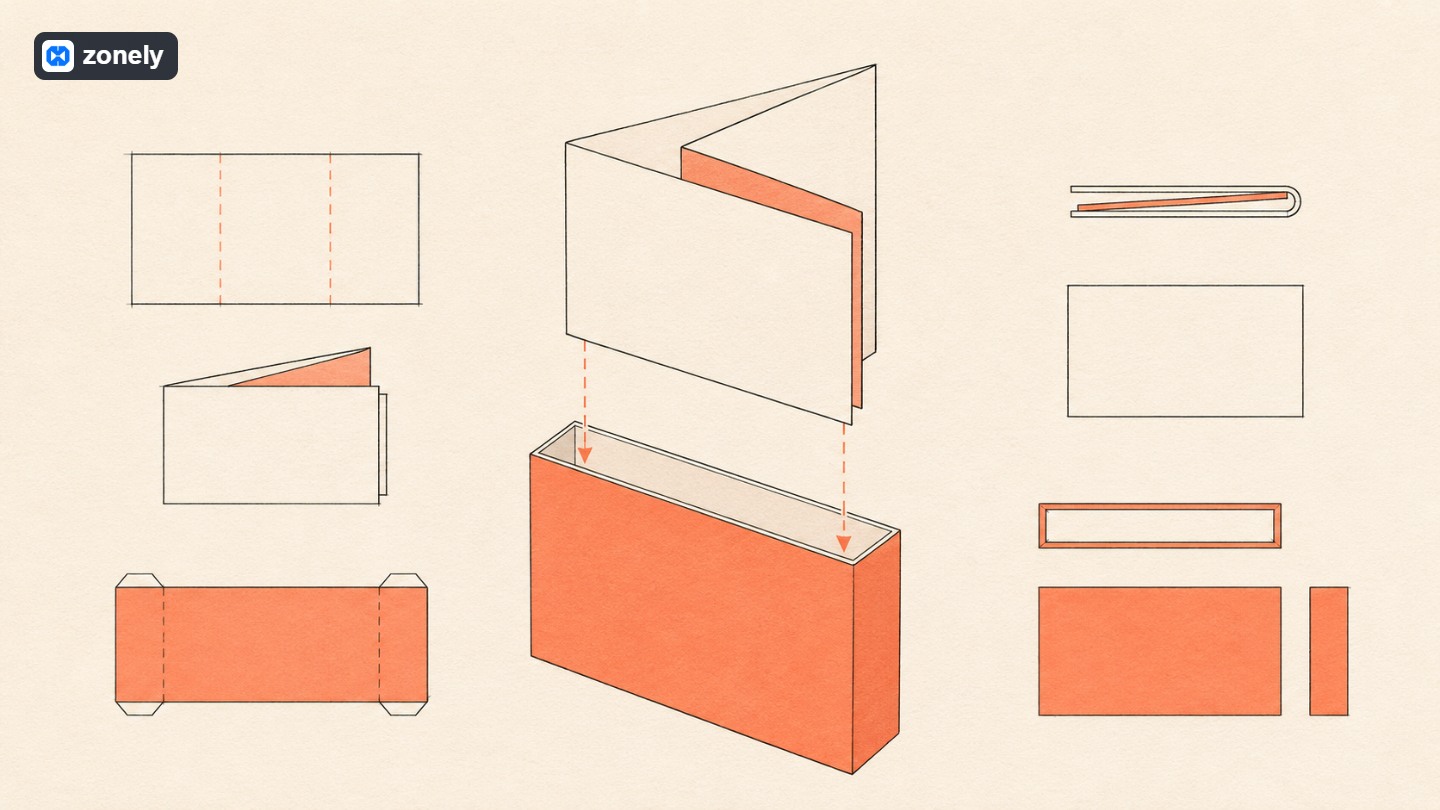 Examine the current module status and target theme before the agent. The module system in this example holds the resources of SFTP working area as draft. You can learn from the documents of that system, which is enabled by the source format of the module on your own infrastructure and how it has been activated. PHP sources are the expected behavior to see here with .php.txt extension. Asistan ZIP re-builds files Returns to original .php names in the package. Save the file on SFTP does not run that code on your site.
Check the definition of the package, templates and API files that it targets. Then the ZIP is installed correctly from the module installer and applied to the theme with the selected site. A package may contain the target template altogether. If you have a partition that will be protected in your design, compare the recommended file with the current version before applying. If your theme manager shows the file differences, added and Read the removed lines from there. You can also make the same comparison with pre-app and post copies of files.
The menu makes it easier to add the latest link to the “Game Guide”. Thus, players do not encounter a promise. They really find ways to market when they touch the connection.
Tell the player’s work in your first message
Thanks to MCP, the assistant can learn what tools it is connected and call the tool you need. What we say “ajan” here is an assistant that can read your request and work with these tools. It depends on the link you choose whether it can read and prepare a draft or write it on your site.In the first trial, you can warn our map sample to your own site. The same request for a bookstore may show three branches on an easy-to-read page on the phone. Start work by selecting a page where the assistant can access and asking the current title and content. Tell what you want to add if you can describe the page you see.
I want to prepare “New Player Guide” for my server. Get three place cards for scaffolding, market and start mine. You can read coordinates by side on the phone with location name. First examine the current theme and show me a draft.This recipe does not contain color, font or file name but it is easy to evaluate the result. Do you find the market from your phone and read coordinate? Try it on the first draft. If three locations will stay fixed for a long time, you can see three card jobs written on the page. If your team will add location every week, you don’t want to open the theme code at any time. The time of module conversation comes then.
Touch the theme correctly with SFTP
The authorized SFTP connection allows the agent to read and make changes. If the system you use is offering the theme files with SFTP, you can prepare the link from your own hosting or theme management vehicle. First read the active theme and the target page. When you say “Show immediately below the rehber header” the assistant will be prepared by that title. You can find. If the two separate titles on your page are similar, ask a few neighboring lines. So you can book the header inside the page with the link in the mobile menu.The following small piece tells you the difference that you want to see in a draft. There are already on the first line theme. The second line is the recommended area to place the new list. The ID here belongs to the driver.
<h2>Yeni Oyuncu Rehberi</h2>
<div id="rehber-konumlari"></div>What does the module when the player opens the page?
Think of three parts of the sample map module. The package definition informs the identity, version, target theme and the processes it offers. The template provides space and appearance for the list that the player sees. The API side of the module reads attractions to be shown. For example, when the visitor guide opens the page location list. Reading process returns the registered names and coordinates. View also “Market” placing the name into the same card with its own coordinates.You’ll see the opposite of this separation when market is moved. With a competent management process, you will update coordinate record. When you read the page new list, the new coordinate appears on the same card. To fix the color of the card, you don’t need to touch the location records once. If the list is empty, write “No location added” is good to say that it fails to install if data is not received detail. It is different that the manager will do in two cases.
The process that rotates open positions to everyone on the developer side can be opened alone. If the registration-changing process requires authorized session, POST request and CSRF verification. Database object and parameter queries provided to him in the data access of the module are used. The template side is prepared with the template language supported by HTML or panel. The place of PHP code to run is prepared by the package API field.
What do you say in the second message to the agent?
You have opened the first draft on your phone. Scaffolding and mine are reading comfortable but “Old City Market” takes two lines of thought coordinates from the right. If you say “Mobile is bad, fix” to the agent, then you can try to design a card from start. Yet you have the parties you love. Simply put it into your recipe. The “The order and names of cards are beautiful. The coordinates called tall space are out of the screen. The name is on the top line, a mobile layout will show under coordinate. You stay side by side on the desktop.” You can check every sentence in the next preview of this message yourself.Imagine that you’re going to another place on the same week market. Do this time the problem fit the article, do it show wrong coordinate of the card? Ask the page view to read the value that the location list from the agent returned for the market before renewing. The rotating value is also recording what to fix if it is old. When the list shows the old value of the card when the new coordinates, which time the appearance is you look at the area uses. Thanks to this distinction, you are not re-reading in every data correction.
Finally ask for a short delivery note from the agent until the next person will understand. Which is the page that opens the map, where location names come, which template will be looked if the design will change? When the developer who joined your team receives the message "Started mine" he will wound three lines of work.
Package from draft in SFTP
Examine the current module status and target theme before the agent. The module system in this example holds the resources of SFTP working area as draft. You can learn from the documents of that system, which is enabled by the source format of the module on your own infrastructure and how it has been activated. PHP sources are the expected behavior to see here with .php.txt extension. Asistan ZIP re-builds files Returns to original .php names in the package. Save the file on SFTP does not run that code on your site.Check the definition of the package, templates and API files that it targets. Then the ZIP is installed correctly from the module installer and applied to the theme with the selected site. A package may contain the target template altogether. If you have a partition that will be protected in your design, compare the recommended file with the current version before applying. If your theme manager shows the file differences, added and Read the removed lines from there. You can also make the same comparison with pre-app and post copies of files.
Find the market after the message “Installed”
Visit the guide on the trial site without login. Do three places appear? Change the coordinate of the market in the trial record and reopen the page. The player can read new value, the other two places remain the same and if the management process is not turned into, you will test both data and appearance sides of the module. Then click on the phone and a long location name.The menu makes it easier to add the latest link to the “Game Guide”. Thus, players do not encounter a promise. They really find ways to market when they touch the connection.





“I give it 10 out of 10. Even other software doesn’t offer this many features.”