Your website is ready.

next to the hosting.

Release on your own domain name. Plesk Meet based hosting, site software, file and database tools in the same structure.

Included Hosting.

Plesk Manage with.

Nginx, PHP-FPM and MariaDB infrastructure, Plesk works together with managed hosting structure. Manage your website, store and app data as parts of the same publication process.

Daily content and sales Zonely run from the panel. Make infrastructure management easier with tools and automations offered for transactions on the file, database and installation side.

Your domain is within reach of youde.

Your own identity.

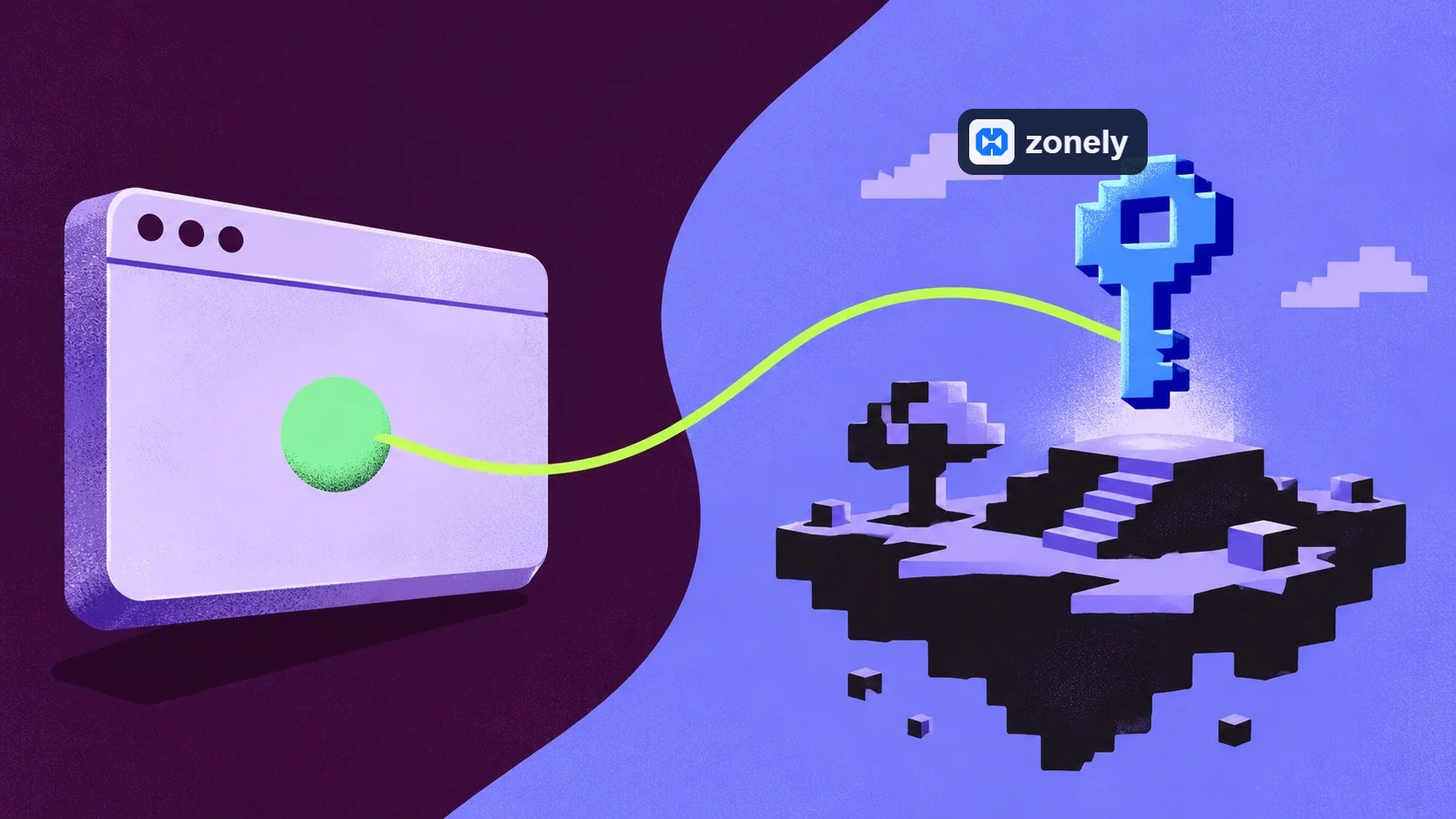
Get your domain name from the provider you want. Nameserver addresses Cloudflare redirect to ; then DNS records Zonely Connect your site by preparing according to the installation guide.

Host your domain name and DNS control remain in you. Visitors reach your site from your own brand; you don’t need to buy site content from the same place with domain name link.

Your files.

SFTP and database.

SFTP Access your files with the tools related to database creation and management. Zonely automations make it easier to handle these operations with your site installation.

Use the ready areas of the panel prior to daily changes such as product and announcement. When editing in template or application files, proceed to file tools, database management for data connection.

Experience resources efficiently.

Monitor the load, protect the balance.

OPcache Reduces repeated repeating of PHP files. PHP-FPM manages the resource utilization of application processes; MariaDB processes your site’s data and queries.

Database connections and query load are monitored and the use of welding is balanced. The complementary services on the Docker are connected to the software services needed. The aim is to run the infrastructure more efficiently.

Frequently
asked
Questions

No. You can get your domain name from the provider you want. Cloudflare from DNS prepare and prepare records Zonely Complete the connection steps on the installation guide.

The domain name stays in you. Cloudflare Your account DNS You can also manage your records; Zonely connection is made through these records.

Your Files SFTP You can access it via. Use the tools offered for database creation and management processes; check the link information with site settings.

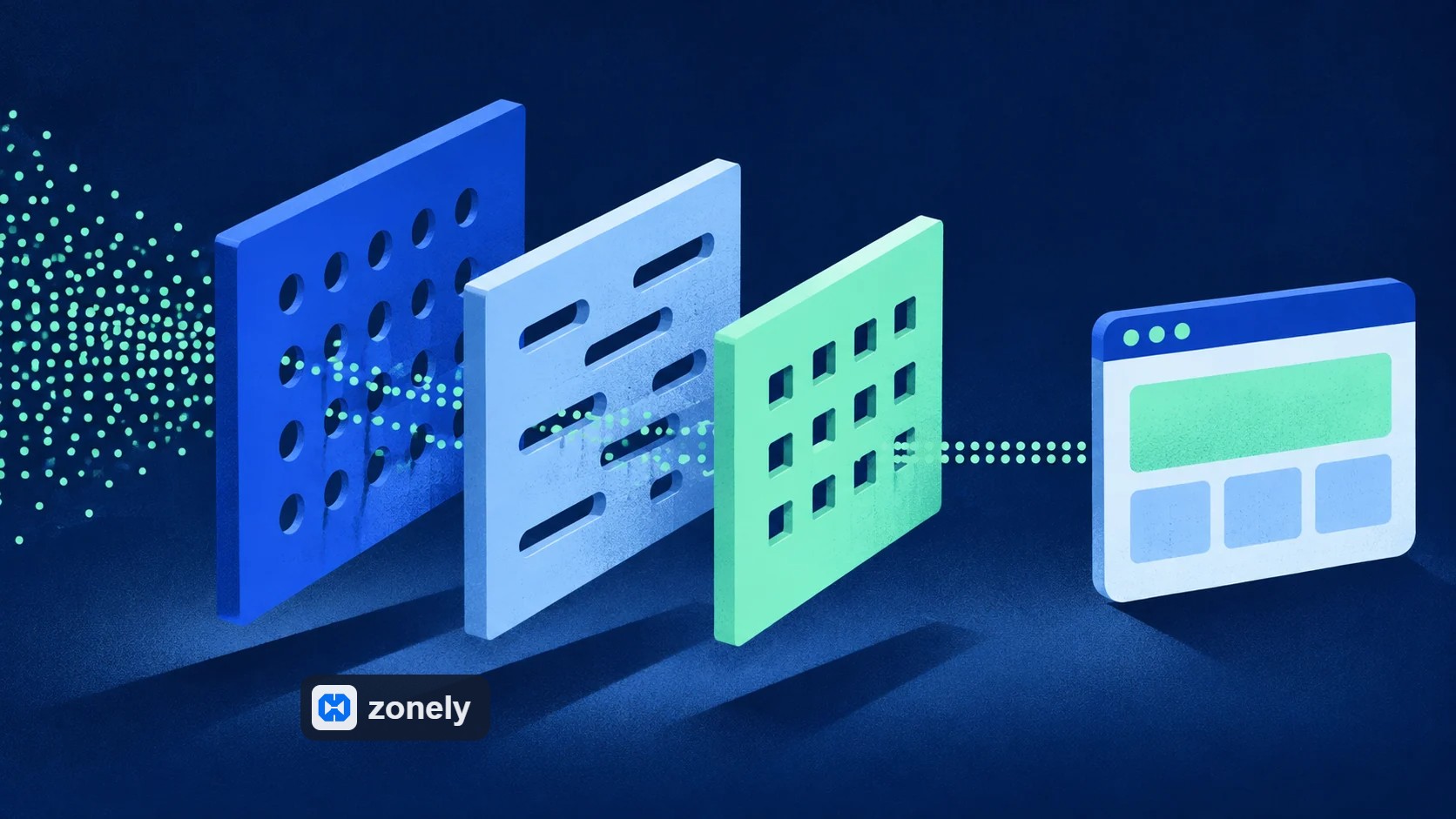
No. Web traffic, server access and application inputs are addressed in different layers. Cloudflare, Zonely controls, ModSecurity and Fail2Ban This is tasked at different points of the structure.

First domain name and DNS Prepare the link according to the installation guide. Then complete site and database settings. If a problem occurs, open support request with relevant records.

Zero Risk without license cost Free Trial
Zonely Your website and store single panel
Your Community Game Discord from together
Zonely For Your Website Powerful Infrastructure
Your Domain Name Your brand Zonely Power

“I give it 10 out of 10. Even other software doesn’t offer this many features.”

— . [maxland.com.tr]

“The support part is very fast and they are interested in everything necessary.”

— Rentr [cyraxnw.com]

“A software company that puts real care into its work and listens to feedback.”

— Forrise [minghost.net.tr]

Your community, all in one place.

Store, games and conversations.

Customize your website, track sales and reach your players. Bring the tools you use to manage your community together in one dashboard.

Get your store ready to launch.

Create products and categories. Set prices, stock and delivery options, then manage sales on your own website.

Explore

From sale to delivery.

Connect products to server commands. Use supported game integrations to deliver ranks, items and packages automatically after an order.

Explore

Make the design your own.

Choose a ready-made theme and adjust colors, fonts, menus and pages to your brand. Preview your changes before publishing.

Explore

Keep support in one place.

Answer members’ questions, follow conversations and share support requests with your team. Keep help articles in one accessible place.

Explore

Stay connected with Discord.

Link website memberships with Discord accounts. Manage your website and community together with role connections and notifications.

Explore

Keep track of your store.

Review orders, payments and user activity. Compare products and sales periods to see how your store is doing.

Explore

Work together as a team.

Set role permissions for support, content and administration. Give each team member the access they need and follow changes through activity records.

Explore

Keep your files within reach.

Edit theme files in the template editor. Access your data, make backups and develop your site with file and database tools.

Explore

Let’s Build Zonely Together

Become part of the community

Ask questions, share your experience and send us your ideas. Stay connected with the Zonely community as you build your project.

Follow the news, release innovations and tips for use.

Join the community; share your questions and experiences.

Tell errors, contribute to your recommendations and improvements.
We are here for live support! 👋