






When a user buys 30 days VIP packages from the web store, the package server needs to correctly identify the account. Web integration converts the approved order into a delivery record and transmits it to the target server. The order registration also allows the support team to be separately whether the payment is received, and the VIP authority has not been applied.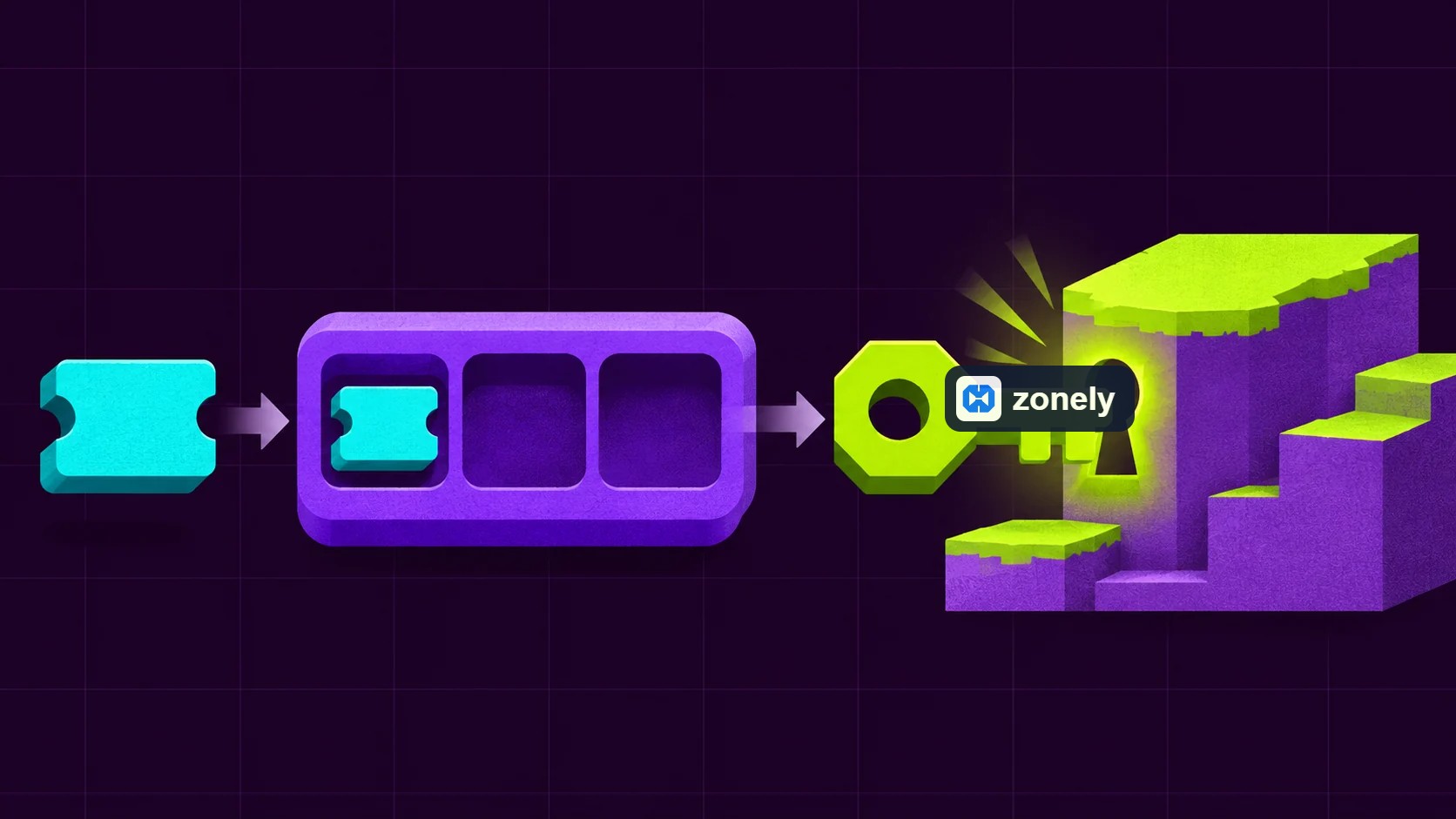 The order opened in the store goes to the game server from delivery queue.
It is understood that there is no open port to the delivery on the game server, as well as for delivery. The HTTPS link goes through the network again. This is especially useful in gaming hosting packages that are not given additional ports. A plugin connecting the account, store or criminal modules into the database works different. Database access to the server required alone, user and tables that need to be used only. you need to limit.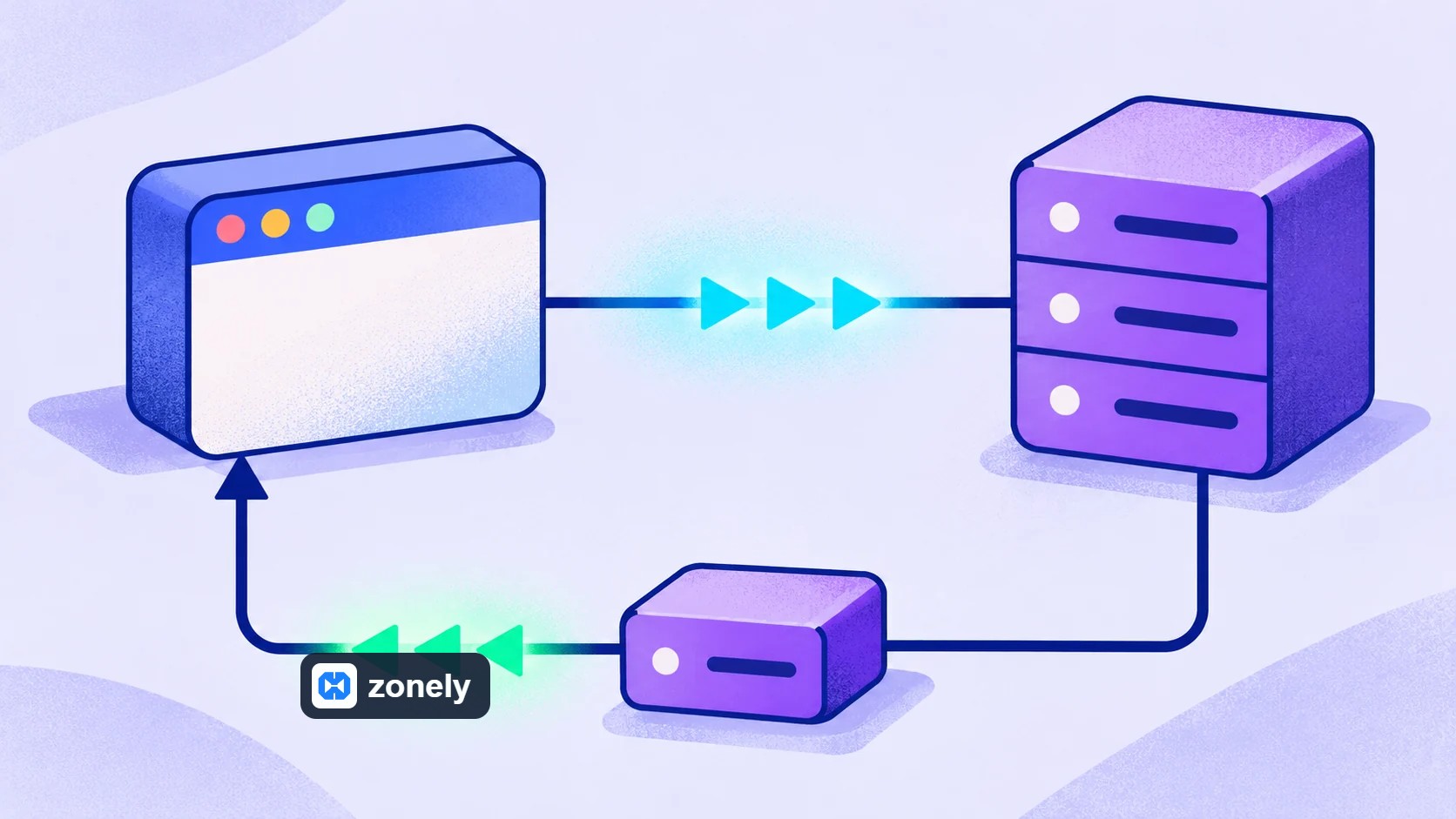 Port and portless model starts the connection different sides.
Imagine selling products for a survival server and a Skyblock server from the same web store. If the VIP package is only valid for Skyblock, the delivery goal should also be that server. Save two servers separately on the panel and connect the product to the right target. Even if the payment is approved, the user will not see the VIP authority when it goes to the wrong server.
In portless connection, the game plugin connects to the secure web address of the store. With the server selected on the panel, you need to use the same link information of the plugin. The main purpose of installation is that work in the right store reaches the correct gaming server. Instead of a process that gives the first trial permanent manager authorizations, you can make it easily visible as a result in the test world.
The site in porter installation reaches the reserved port for delivery of the game server. In portless installation, the connection starts the game plugin. This distinction allows you to choose according to the network conditions of the used gaming hosting. It is clearly defined in the store where the product will be delivered to which world in two models.
When the user changes its nickname, hold it on a verified ID of the bond between the web account and the game account to not be lost. The nickname that the user writes forma is not the only proof of the host. Especially when taking a high authoritative role, the connection really belongs to the user and the role you define in the store is expected make sure the wide permissions are not transported.
A product may require several transactions. For example, the appointment of the VIP group can be prepared in order to determine the validity period and notify the user. This commands associated with the product allow the support team to determine what should be delivered. Additional database control that some add-ons do is the user's account or to verify the necessary gaming record, this is accompanied by a long time.
The store process puts the specified commands for the product, when necessary, it fills the user space by the game name registered in the account and is with the selected link tool. WebSender, core plugin, FiveMThe choice of Rust or RCON does not have to use the same shipping method. Portless WebSenderIn , when the plugin works on the site via HTTPS, reviewed ZonelyCore opens the socket to the site plugin in connection.
The command can be sent via the link does not show the user’s right is applied in the game precisely. That’s why it won’t look at the conclusion of “linked” alone in support review. The product goal is assessed along with the result of the user account in the plugin, and the deserve seen in the game. The request signature also does not see the same function as the password of the connection. Network access required limitations with parties and use appropriate protected connection should also be addressed.
The plugin in portless delivery saves the transaction ID before running the job it takes. It also informs the run result to the site if it is successfully or fail. If the connection is fully cut, the same business number is based on the registered result instead of re-executing like a new order. A certain remaining work can be divided into support review. Thus, with the repeating of the delivery, it will also notify the site. The risk of double reward that may arise is reduced.
There is an important detail here: It may be separate things that the user will take as a result of the user to accepting a command of the console. For example, the delivery command of a product can only be applied when the user is online. Determine your product rule accordingly. If offline deliveries are not supported, the store should clearly specify it or wait until the next entry of the transaction user.
Changing the key in a event only cuts the front of new requests. See what they have already entered into the quantum. List the deliveries from the first suspicious work for each world. Match each line with a real order, event prize or authorized process. Take out the unexplained jobs to the quarantine and perform regular orders separately. Commands accepted by the game console When changing this change, also lose what worlds affect.
For example, if the user ID and purchased product is kept in the delivery table, it is different events that can run server command with unauthorised access to this table. First, search which records can be read, on which operations can be executed in the second. Mask credentials information on the event log and limit the access of the support team with work. Thus, Registrations that help interfere with cannot turn into a second leak source.
Journey to a order
When payment is approved for VIP package, the delivery starts. The web app controls session, finds which game ID of the account and opens a delivery record. Kayda target server writes product code and single delivery number. The gaming side only converts a allowed processing of the known product code. Adding a free text sent from the browser to the console command, add it to a the user becomes an error that goes up until it can be authorized to another user.
The order opened in the store goes to the game server from delivery queue.| Connection | Who does it reach? | First control |
|---|---|---|
| Port delivery | The site is connected to the TCP port, which the plugin on the game server listens. | Is the right port reserved? Does it allow only resources on the firewall? |
| Portless delivery | The plugin starts connecting from the site to HTTPS and takes its work. | Is domain name, certificate, server map and shared key right? |
When installing portless connection for the first time
Port and portless model starts the connection different sides.Imagine selling products for a survival server and a Skyblock server from the same web store. If the VIP package is only valid for Skyblock, the delivery goal should also be that server. Save two servers separately on the panel and connect the product to the right target. Even if the payment is approved, the user will not see the VIP authority when it goes to the wrong server.
In portless connection, the game plugin connects to the secure web address of the store. With the server selected on the panel, you need to use the same link information of the plugin. The main purpose of installation is that work in the right store reaches the correct gaming server. Instead of a process that gives the first trial permanent manager authorizations, you can make it easily visible as a result in the test world.
The site in porter installation reaches the reserved port for delivery of the game server. In portless installation, the connection starts the game plugin. This distinction allows you to choose according to the network conditions of the used gaming hosting. It is clearly defined in the store where the product will be delivered to which world in two models.
The difference of sending commands with account matching
Some core plugins check the user account or related records database besides delivery. This link helps the order to be associated with the correct account of the user. The scope of data access is determined according to the plugin used and active modules used. If the reward process sent from the store with account verification works together, each one will be connected to the connection authority must be managed separately.When the user changes its nickname, hold it on a verified ID of the bond between the web account and the game account to not be lost. The nickname that the user writes forma is not the only proof of the host. Especially when taking a high authoritative role, the connection really belongs to the user and the role you define in the store is expected make sure the wide permissions are not transported.
Which command goes to the server from the store?
The commands to be sent in product delivery are predefined in the store’s product record. The user selects the product; the delivery process prepares for the commands of that product, selected gaming server and related user account. Adding to this flow of a random command written from the user's browser is not part of product delivery. When purchasing a pees, the transaction will be carried out, in the store it is defined process for pees.A product may require several transactions. For example, the appointment of the VIP group can be prepared in order to determine the validity period and notify the user. This commands associated with the product allow the support team to determine what should be delivered. Additional database control that some add-ons do is the user's account or to verify the necessary gaming record, this is accompanied by a long time.
What is the script sent to the core plugin?
ZonelyCore The site in the connection opens a server address and porta socket link registered on the panel. It adds a time stamp to be sent, and produces HMAC-SHA256 signature using the token belonging to the server. Thus, a request that can be verified on the plugin side is prepared. With the token of the server on the store registration, you need to match the token on the game plugin. The same product will be matched to different worlds. It is therefore important to choose the record of each server while delivering.The store process puts the specified commands for the product, when necessary, it fills the user space by the game name registered in the account and is with the selected link tool. WebSender, core plugin, FiveMThe choice of Rust or RCON does not have to use the same shipping method. Portless WebSenderIn , when the plugin works on the site via HTTPS, reviewed ZonelyCore opens the socket to the site plugin in connection.
The command can be sent via the link does not show the user’s right is applied in the game precisely. That’s why it won’t look at the conclusion of “linked” alone in support review. The product goal is assessed along with the result of the user account in the plugin, and the deserve seen in the game. The request signature also does not see the same function as the password of the connection. Network access required limitations with parties and use appropriate protected connection should also be addressed.
VIP authority has been identified but if the response is lost
The game server may appear to wait on the order web panel if the connection is disconnected after definitioning the VIP authority. It can accidentally extend the VIP time running the same command again for 30 days. In the rework, the same delivery ID must be used and the previous result should be checked. Save the date of the contract calculated for the package also in the process of processing the same order again, the duration of the time may be extended more than 30 days. prevents re-extension. The deliveries that the end may not be determined can be divided into support review.The plugin in portless delivery saves the transaction ID before running the job it takes. It also informs the run result to the site if it is successfully or fail. If the connection is fully cut, the same business number is based on the registered result instead of re-executing like a new order. A certain remaining work can be divided into support review. Thus, with the repeating of the delivery, it will also notify the site. The risk of double reward that may arise is reduced.
There is an important detail here: It may be separate things that the user will take as a result of the user to accepting a command of the console. For example, the delivery command of a product can only be applied when the user is online. Determine your product rule accordingly. If offline deliveries are not supported, the store should clearly specify it or wait until the next entry of the transaction user.
| Request support status | First registration | Next step |
|---|---|---|
| No money, delivery work | Payment notice and order match | Connect a single delivery to the right payment. |
| Business waiting, the server does not get at all | Target world, HTTPS access and password | Fix the link of the correct plugin. |
| Command processed, user won’t see the prize | Game account, world and plugin result | Read the situation in the game and verify the right to missing. |
What is affected when a web key is leaked?
If the key is authorized to single server and several delivery processes, other worlds and management commands remain outside access. In a doubtful use cancel that switch, stop the execution of queue and compare game records with orders from the final verified delivery. The transaction number, user ID and result is enough for the support team. Payment card information or Do not move the connection password to play logs.Changing the key in a event only cuts the front of new requests. See what they have already entered into the quantum. List the deliveries from the first suspicious work for each world. Match each line with a real order, event prize or authorized process. Take out the unexplained jobs to the quarantine and perform regular orders separately. Commands accepted by the game console When changing this change, also lose what worlds affect.
For example, if the user ID and purchased product is kept in the delivery table, it is different events that can run server command with unauthorised access to this table. First, search which records can be read, on which operations can be executed in the second. Mask credentials information on the event log and limit the access of the support team with work. Thus, Registrations that help interfere with cannot turn into a second leak source.




“I give it 10 out of 10. Even other software doesn’t offer this many features.”