How Do You Improve Your Website’s SEO?View more
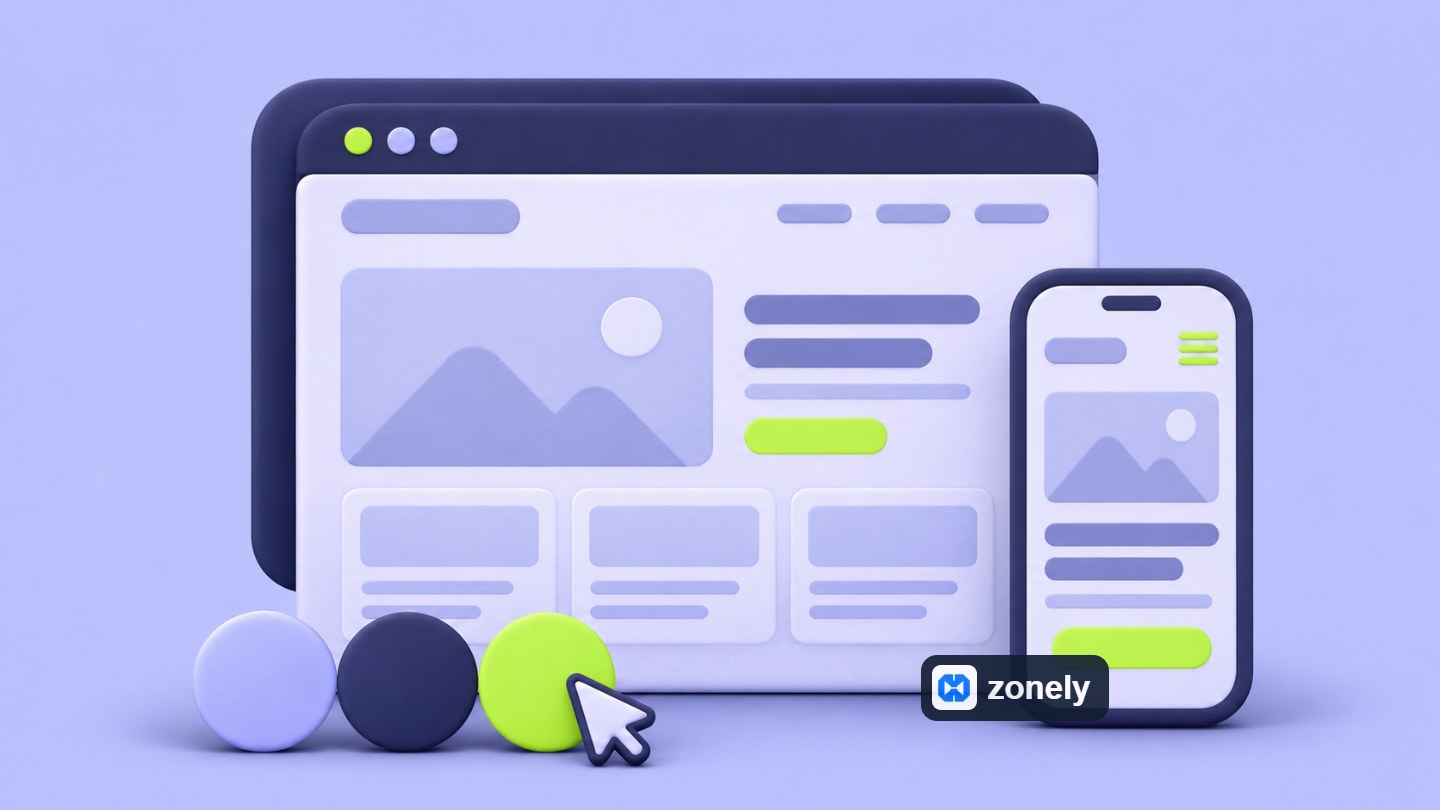
How Do You Customize Your Game Server Website?View more

Online Payment Methods and Commission RatesView more

How to Grow Your Community in Your Game Server and Increase Your Sales?View more
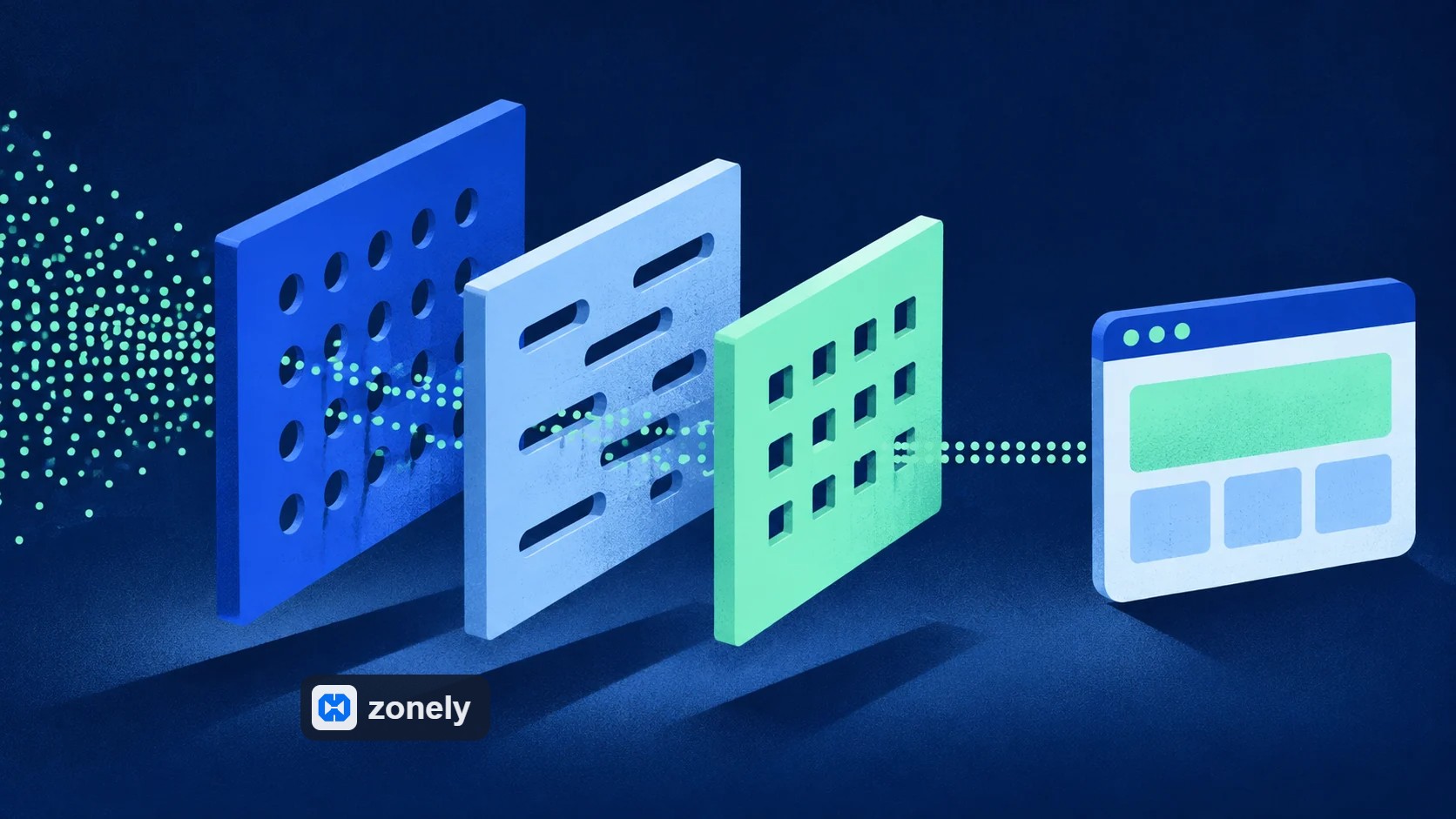
How to host your website secure and fast?View more
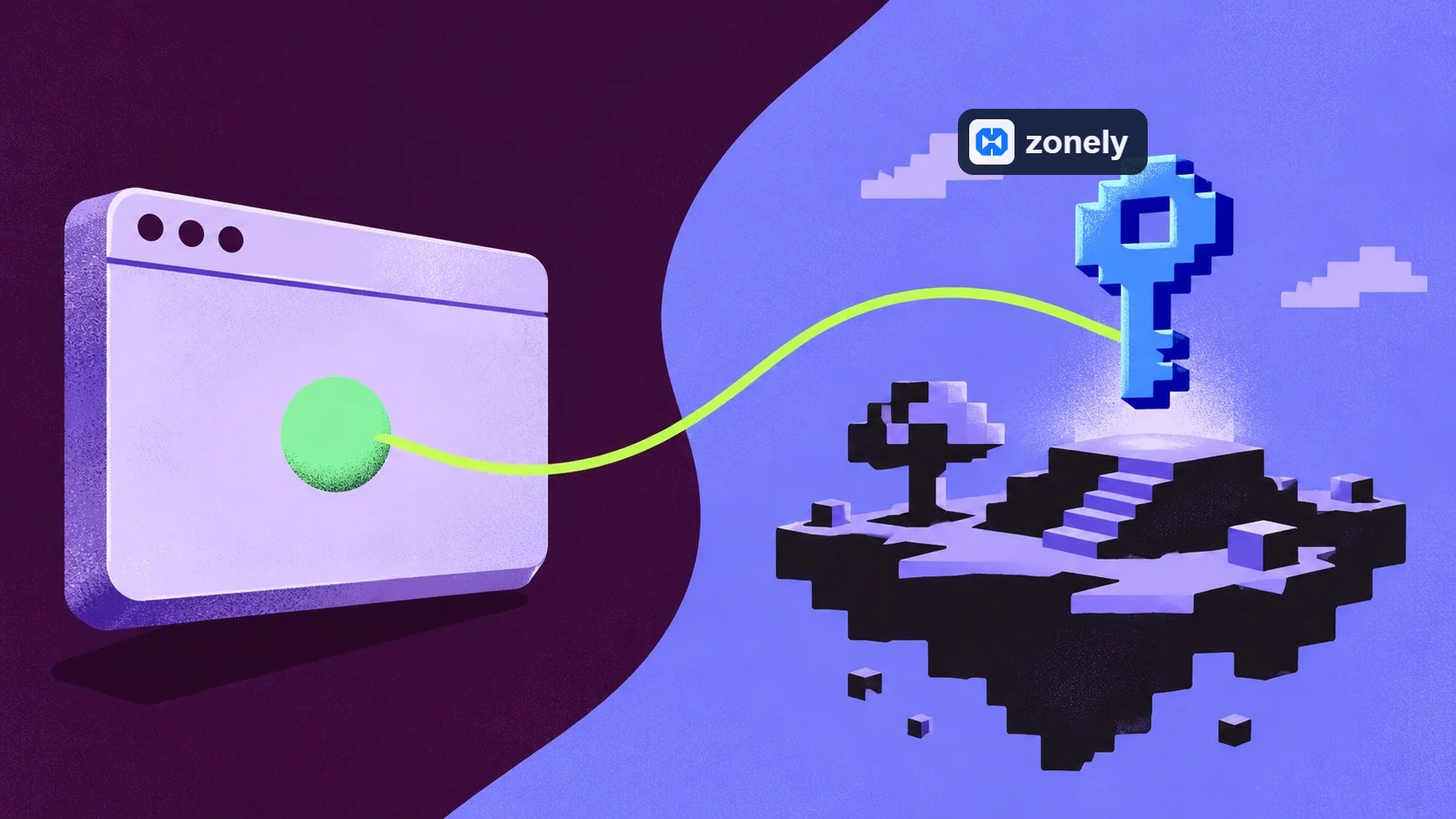
When does the game server need web service?View more Contact us about hosting, domain name link, store setup or game integrations. Let’s clarify your project needs together.
single ecosystem, single panel
Zonely, game server, web store, license system, Discord bot and launcher components are an integrated infrastructure that collects under the same roof. Instead of part solutions, it helps to grow the community with a single ecosystem.
Zonely designed for gaming communities, web store, panel, licensing, Discord integrations and launcher is a management platform that collects under one roof. The aim is to manage the server, site and tools from a single structure instead of broken systems.
Classic stores focus only on sales side, Zonely After sales, it also manages the process to play. The reflection of the purchased product to the server, the license control, the trigger of commands and the player experience is built in the same flow.
No. Basic domain name management and server concepts are enough. The interface is designed to describe categories, products, licenses and integrations step by step. You can still enter technical details for advanced settings but not the condition.
Yes. Home Zonely You can only use as a store or management panel and move the main site to a separate domain name or subfield name. Redirects Cloudflare and DNS It is possible to run two structures together by planning through settings.
Zonely The license is basically matched with a main domain name, but if you want to scroll the project to another domain in the future, you can update the license matching via the panel. Detailed terms vary depending on the type of license you use.
When you move your gaming server, product and category records on the site remain the same. Update the corresponding server record with new address, port and ID information; re-check delivery link.
Prepare categories, product descriptions, prices and delivery settings from the panel. Use the command, file, variant and additional service options according to the type of product.
You can use license product tools with your digital product business model. Evaluate the license and file flow according to the relevant product guides.
Your own account for ready-made providers API and you enter the notice information. View supported providers in payment guides; you can also use manual payment option according to your requirement.
Manage your project’s customer, product and transaction records on the panel. Download database and JSON You can get backups in accordance with export tools; files and images are also backed up.
You can download your database from the license screen, tables you choose from the panel JSON You can backup as well. Check out the recovering options of the actions supported in the transaction history. Do not assume that each registration or file will be automatically recovered.
Share your games, links, product types and expected usage you will use. Let’s evaluate your project with the existing service scope.
Only Start package is displayed in the pricing. You can review the package card for free use information, start date and current situation.
You can follow the current improvements from release notes, announcements and community channels. You can share your recommendations via our support channels.
Database download and table-based JSON You can backup your records with transfer. For accessible files ZIP Use tools. It may also be necessary to adapt according to the data format of the target system while carrying on another platform.
“The support part is very fast and they are interested in everything necessary.”
“A software company that puts real care into its work and listens to feedback.”
Store, games and conversations.
Customize your website, track sales and reach your players. Bring the tools you use to manage your community together in one dashboard.
Create products and categories. Set prices, stock and delivery options, then manage sales on your own website.
ExploreConnect products to server commands. Use supported game integrations to deliver ranks, items and packages automatically after an order.
ExploreChoose a ready-made theme and adjust colors, fonts, menus and pages to your brand. Preview your changes before publishing.
ExploreAnswer members’ questions, follow conversations and share support requests with your team. Keep help articles in one accessible place.
ExploreLink website memberships with Discord accounts. Manage your website and community together with role connections and notifications.
ExploreReview orders, payments and user activity. Compare products and sales periods to see how your store is doing.
ExploreSet role permissions for support, content and administration. Give each team member the access they need and follow changes through activity records.
ExploreEdit theme files in the template editor. Access your data, make backups and develop your site with file and database tools.
ExploreAsk questions, share your experience and send us your ideas. Stay connected with the Zonely community as you build your project.
“I give it 10 out of 10. Even other software doesn’t offer this many features.”