Click on the site. There is a counter for the game.

Deliver packages to the right server; manage player accounts and game connections from the same center.

Your website and your gaming server

two sides of the same process.

Prepare the server connection, select the delivery target of the product and follow the transaction records. Sell on the web, walk along with delivery within the game.

Buy, use in the game.

From order to server.

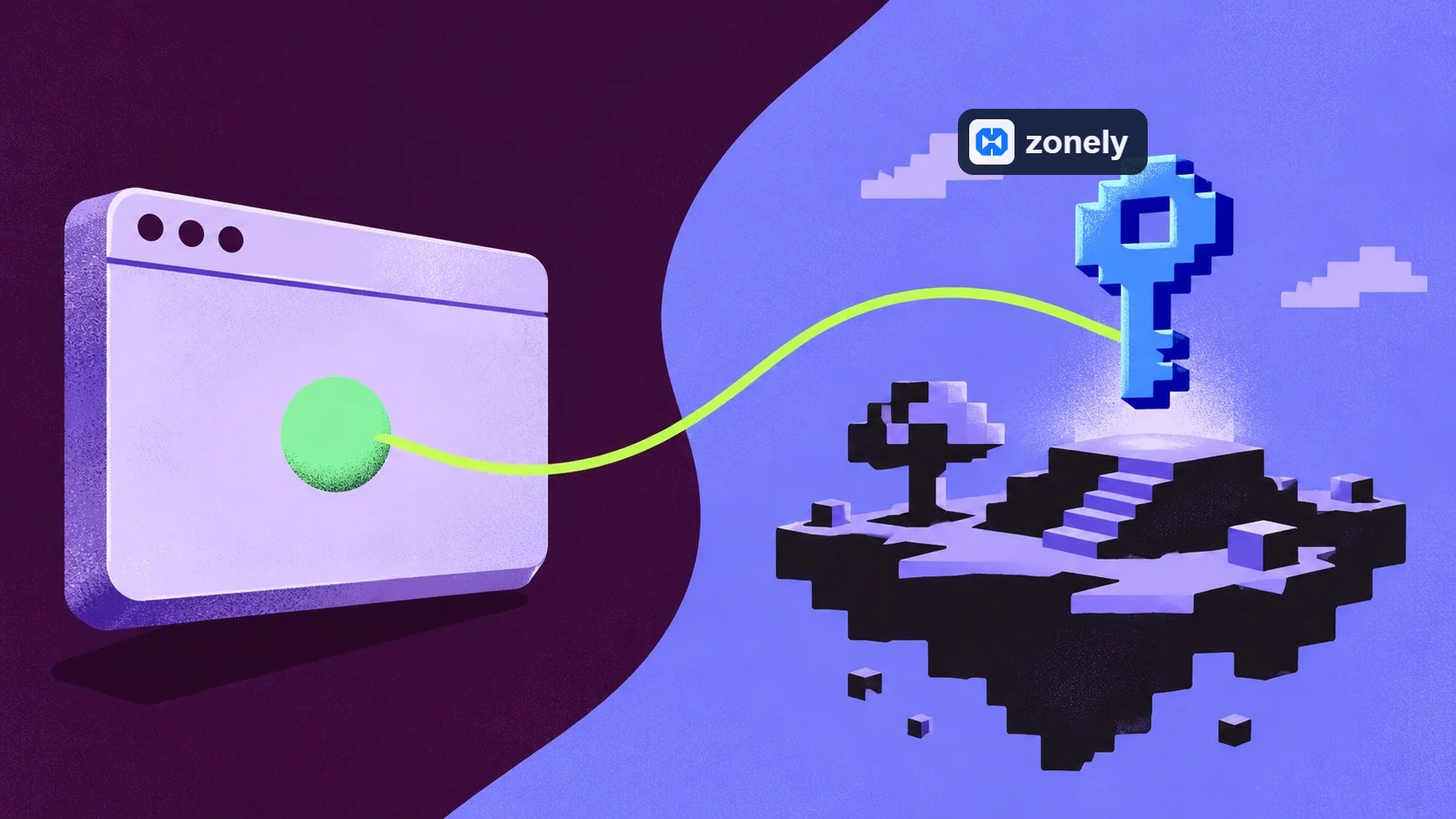
Player package is purchased from your site; it is applied on the game server connected to the product. Prepare the delivery target and commands of the product, manage the process inside the game with sales on the web as parts of the same process.

WebSender, ZonelyCore or supported RCON Configure the link to your server in accordance with. Choosing the connection method correctly determines which way and where the command will be sent.

LuckPerms authority with.

Delivery without waiting.

LuckPermśs partner MySQL connect to the store. Use the connection draft from the Integration Builder and the zonely_perms_ table prefix. Match the role of the site on the roller screen to the game group, such as group.vip; set the duration or permanent use.

Give the user directly or add the product to the Roller field to be assigned. The authorization is written into the common warehouse without waiting for the delivery of the console command; the user in the game LuckPerms In the sync range, the offline user is reflected in the server entrance. Login links such as AuthMe or nLogin are also prepared for account mapping.

To the right server.

The goal of each package is certain.

You don’t want a product prepared for Survival to go to the SkyBlock server. Create server logs separately; set the delivery target of each product and the commands that will work on that goal.

While managing multiple gaming areas from the same website, the server name works with the connection method and product settings. See not only the package when reviewing the delivery, but also the goal it was sent.

Follow the delivery.

In conclusion records.

Start your order when a player asks questions about the package. Check the product, player and payment status; then check the delivery status and the settings of the connected server.

Look at the right slip makes it easier to separate the connection problem with the payment question. Find the relevant stage and interfere with the setting required; maintain the support process through the same process information.

Frequently
asked
Questions

Click on the method your server supports. Minecraft related to links WebSender or ZonelyCore guide; RCON Follow the setup steps of the protocol for servers that use.

Match the product’s delivery server with the corresponding server record. Prepare commands according to the product and add-on structure on that server.

Account mapping and command delivery are separate jobs. Configure the login plugin, server and product commands for delivery.

Check the order and payment status first. Then check the delivery server of the product, the connection method and the corresponding server settings.

Zero Risk without license cost Free Trial
Zonely Your website and store single panel
Your Community Game Discord from together
Zonely For Your Website Powerful Infrastructure
Your Domain Name Your brand Zonely Power

“I give it 10 out of 10. Even other software doesn’t offer this many features.”

— . [maxland.com.tr]

“The support part is very fast and they are interested in everything necessary.”

— Rentr [cyraxnw.com]

“A software company that puts real care into its work and listens to feedback.”

— Forrise [minghost.net.tr]

Your community, all in one place.

Store, games and conversations.

Customize your website, track sales and reach your players. Bring the tools you use to manage your community together in one dashboard.

Get your store ready to launch.

Create products and categories. Set prices, stock and delivery options, then manage sales on your own website.

Explore

From sale to delivery.

Connect products to server commands. Use supported game integrations to deliver ranks, items and packages automatically after an order.

Explore

Make the design your own.

Choose a ready-made theme and adjust colors, fonts, menus and pages to your brand. Preview your changes before publishing.

Explore

Keep support in one place.

Answer members’ questions, follow conversations and share support requests with your team. Keep help articles in one accessible place.

Explore

Stay connected with Discord.

Link website memberships with Discord accounts. Manage your website and community together with role connections and notifications.

Explore

Keep track of your store.

Review orders, payments and user activity. Compare products and sales periods to see how your store is doing.

Explore

Work together as a team.

Set role permissions for support, content and administration. Give each team member the access they need and follow changes through activity records.

Explore

Keep your files within reach.

Edit theme files in the template editor. Access your data, make backups and develop your site with file and database tools.

Explore

Let’s Build Zonely Together

Become part of the community

Ask questions, share your experience and send us your ideas. Stay connected with the Zonely community as you build your project.

Follow the news, release innovations and tips for use.

Join the community; share your questions and experiences.

Tell errors, contribute to your recommendations and improvements.
We are here for live support! 👋