
Application of Your Community Zonely Tags

Prepare server addresses, news and launcher look from your management panel. Offer your players a common app that they can access your servers and track up-to-date announcements.

ZonelyLauncher

What is?

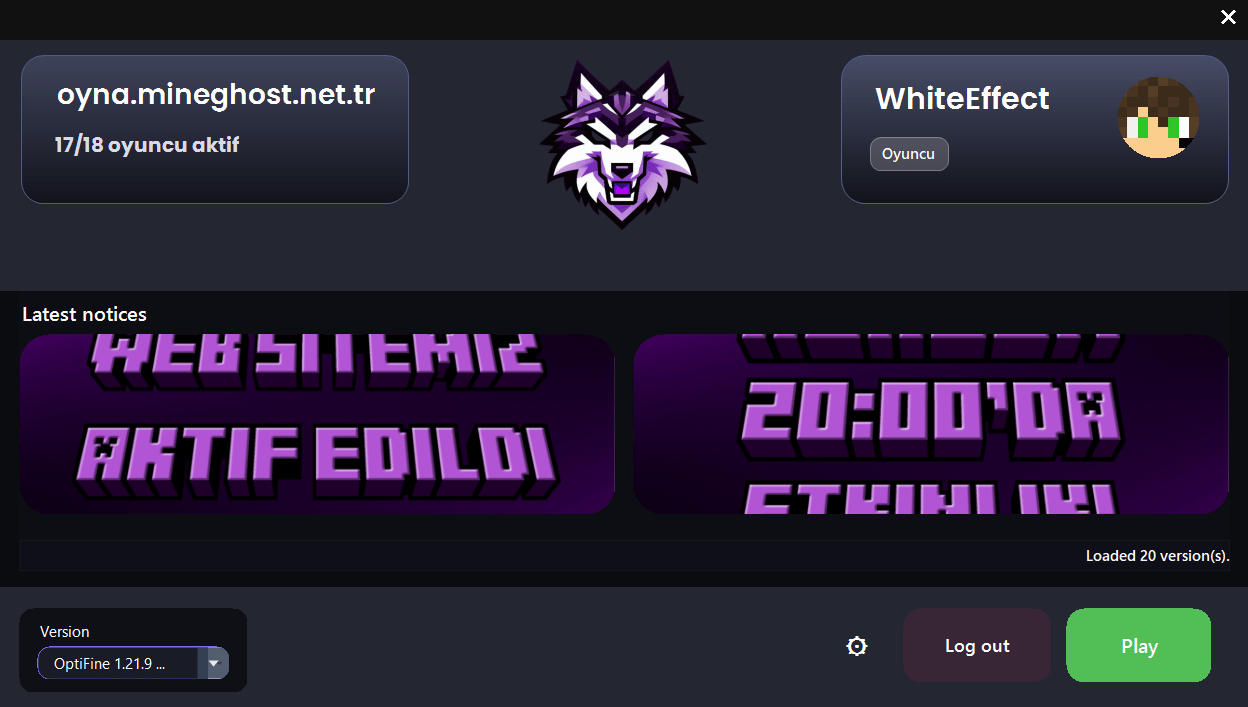
ZonelyLauncher is a desktop launcher that allows players to connect to their servers in one click and securely. The tokens created on the panel are translated into one-time sessions; live server array, announcements, store campaigns and Discord Combining features like Presence in one place Zonely The ecosystem carries the player’s desktop.

One-time input and secure session

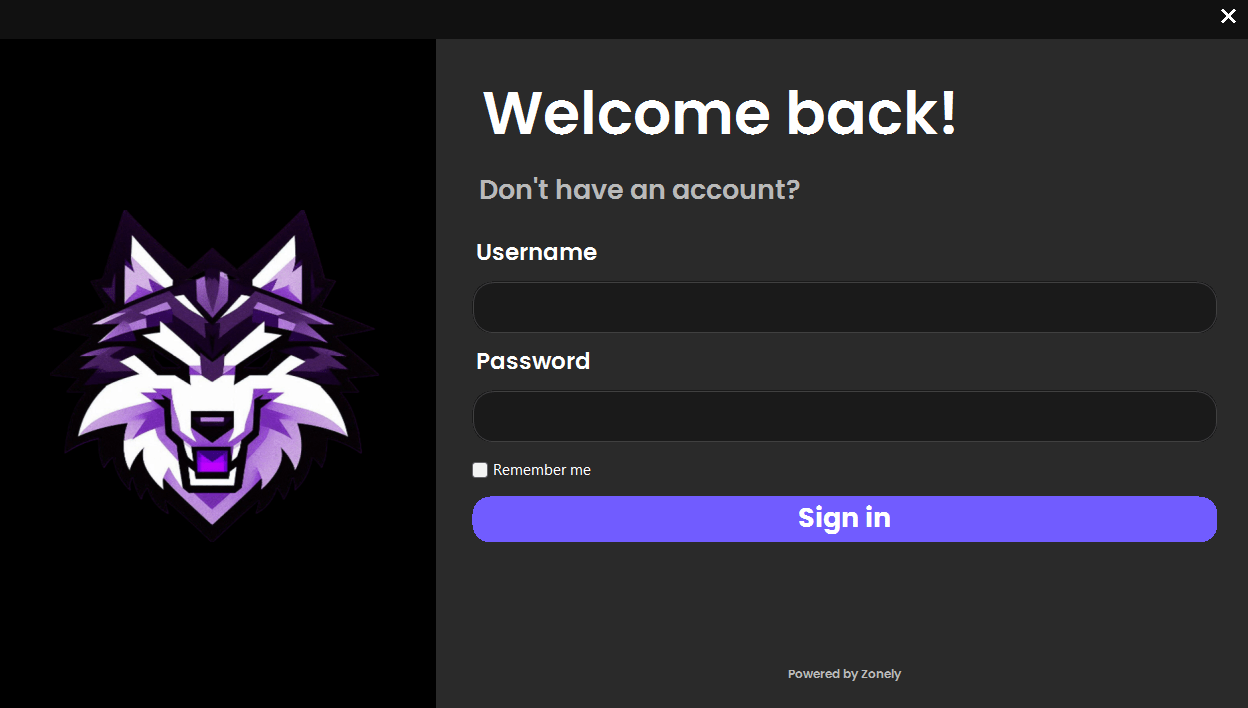
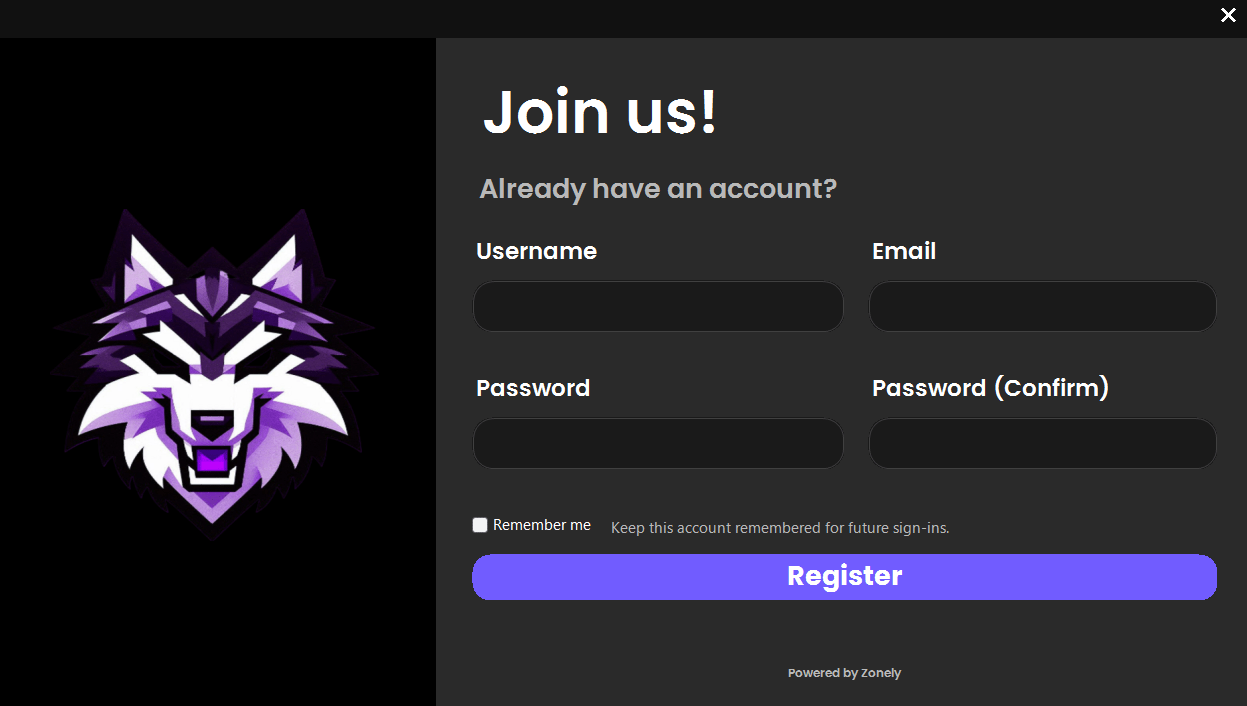
Launcher API The tokens created on the panel are translated into disposable sessions. Players log in the launchera without entering the password, securely and controlled.

Live server array and lock mode

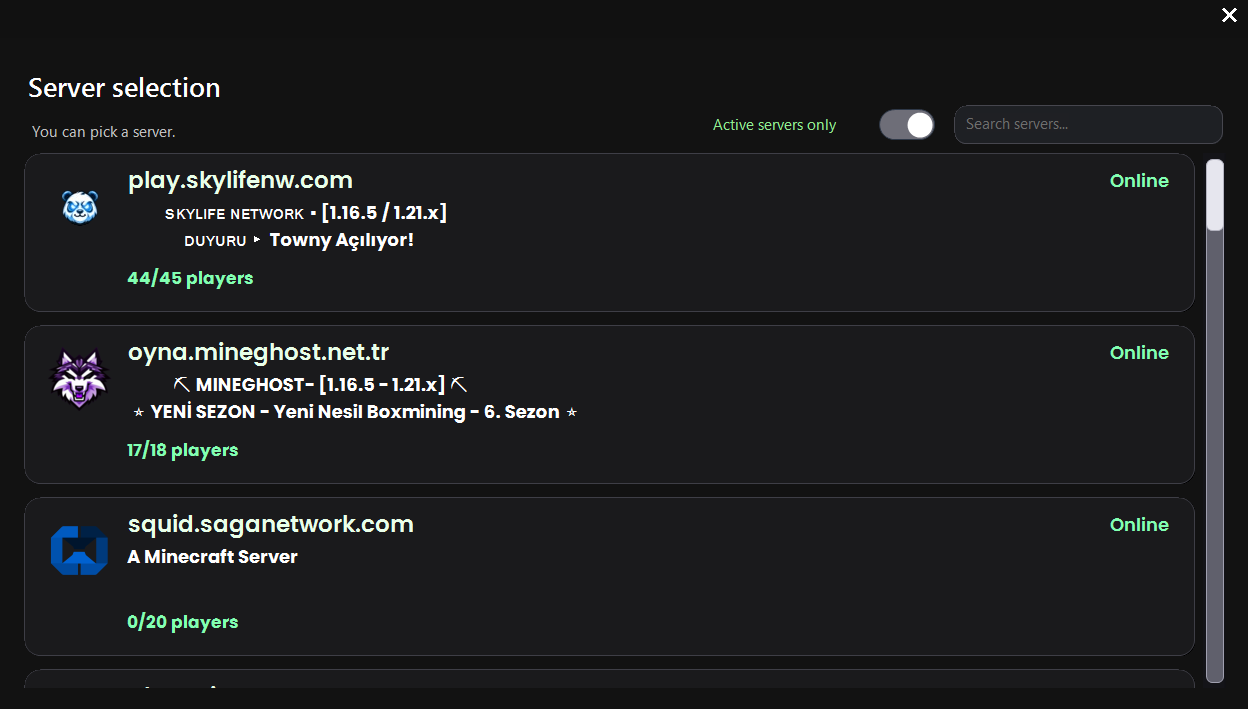
Players all Zonely Sees search, online status and description of their servers. You can lock the profile to a single server and choose it automatically.

Community showcases and notifications

Announcements and store campaigns drop to the launchera; the player sees them without entering the game. Store connections, blog posts or important links are opened directly through launcher.

ZonelyCore session bridge

Roles, announcements and brand items on the web panel are transferred to the launchera month. The player moves with the feeling of the only ecosystem without having a break between the panel and the game.

Welding package and runtime automation

Required Java runtime files and components like OptiFine are automatically installed. Without dealing with player installation steps, your set settings will enter the game.

Discord Presence and desktop shortcut

Player status Discord Share via Rich Presence, the movement of the community will appear. Desktop shortcut is created for selected server and the player is connected with one click every time.

Publication process

How does it work?

We tell you how to integrate ZonelyLauncher into your website.

1. Reflecting Brand From Launcher

Zonely Create one-click launcher on the management panel.

2. Customize Now

Identify Client versions from the management panel and change the launcher theme tone.

3. ZonelyCore Setup Plugin

Activate the input with launcher only by activating the launcher feature instead of Auth.

4. Download Launcher from Site

The necessary information for the server is integrated and the only server mode is activated, which allows you to login directly to the server.

5. Here's Ready!

You can now use all players from launcher.

Zero Risk without license cost Free Trial
Zonely Your website and store single panel
Your Community Game Discord from together
Zonely For Your Website Powerful Infrastructure
Your Domain Name Your brand Zonely Power

“I give it 10 out of 10. Even other software doesn’t offer this many features.”

— . [maxland.com.tr]

“The support part is very fast and they are interested in everything necessary.”

— Rentr [cyraxnw.com]

“A software company that puts real care into its work and listens to feedback.”

— Forrise [minghost.net.tr]

Your community, all in one place.

Store, games and conversations.

Customize your website, track sales and reach your players. Bring the tools you use to manage your community together in one dashboard.

Get your store ready to launch.

Create products and categories. Set prices, stock and delivery options, then manage sales on your own website.

Explore

From sale to delivery.

Connect products to server commands. Use supported game integrations to deliver ranks, items and packages automatically after an order.

Explore

Make the design your own.

Choose a ready-made theme and adjust colors, fonts, menus and pages to your brand. Preview your changes before publishing.

Explore

Keep support in one place.

Answer members’ questions, follow conversations and share support requests with your team. Keep help articles in one accessible place.

Explore

Stay connected with Discord.

Link website memberships with Discord accounts. Manage your website and community together with role connections and notifications.

Explore

Keep track of your store.

Review orders, payments and user activity. Compare products and sales periods to see how your store is doing.

Explore

Work together as a team.

Set role permissions for support, content and administration. Give each team member the access they need and follow changes through activity records.

Explore

Keep your files within reach.

Edit theme files in the template editor. Access your data, make backups and develop your site with file and database tools.

Explore

Let’s Build Zonely Together

Become part of the community

Ask questions, share your experience and send us your ideas. Stay connected with the Zonely community as you build your project.

Follow the news, release innovations and tips for use.

Join the community; share your questions and experiences.

Tell errors, contribute to your recommendations and improvements.
We are here for live support! 👋