




You have opened your site. Now the game is time to reflect the name, style and experience of your server on your website. From logo to colors, decisions that you will give from the layout of the home page to the special domain determine how the visitor will recognize your server. This guide describes how you can customize your website step by step in, what details are priority and publish the design you prepared We tell you how to check before buying.
Start by definitioning your business server with one sentence. Which game you offer, what is the prefix feature of your community and what to do as the first of someone coming to the site? The answer that you give to three questions makes it easier when writing the text of the main page when choosing the theme. First prepare the identity and basic pages of your server. Then complete the view and make your web address and verify your gaming connection.
Try your logo on the open and dark background. The fine lines that appear in a large visual can be lost in the phone menu. You can use a icon that can read small size as favicon. In addition to the main logo, prepare a small design file with short icon, main color, highlight color and font. So your new announcement or page inserting team friend will make the same visual language can be maintained.
Select colors according to tasks. The background text should be read comfortable, highlight color will appear important buttons. The meaning of error and success messages does not only depend on the color. You can also show a short text as "link is copied". The first output of customization is that you can use it again on each page.
For example, think you choose a dark blue floor, light color text and turquoise accent. You can use the turquoise engagement button and important links, separate the announcement cards with more calm surfaces. Also carry the same choice to support and product pages. These colors are not a mandatory recipe; several decisions again using the site's different parts of the site together is an example that you can keep.
See readability first. Do backgrounds separate from each other, the links are easy, the menu will open the important sections of the page? Check that if you use a movable background, the header can be read throughout the movement. Instead of inserting different effects to each section, the visitor’s attention is to the description and the step of joining your server Choose consistent.
Try the theme with blank and full content. How does it look at the section when you haven’t announced yet? Does the price slip down if the product name goes away? Will the description appear when the support form error? See these situations that will come to your daily use in advance, then only reduce having to make custom arrangements for a page.
Select a main action on the first screen. This can copy server address or open the engagement guide. Support and community connections will also appear, but all buttons are the same size contest. Show the address as text next to the Copy button. When you do not work the button or when the visitor address wants to write to another device, you can access this information directly.
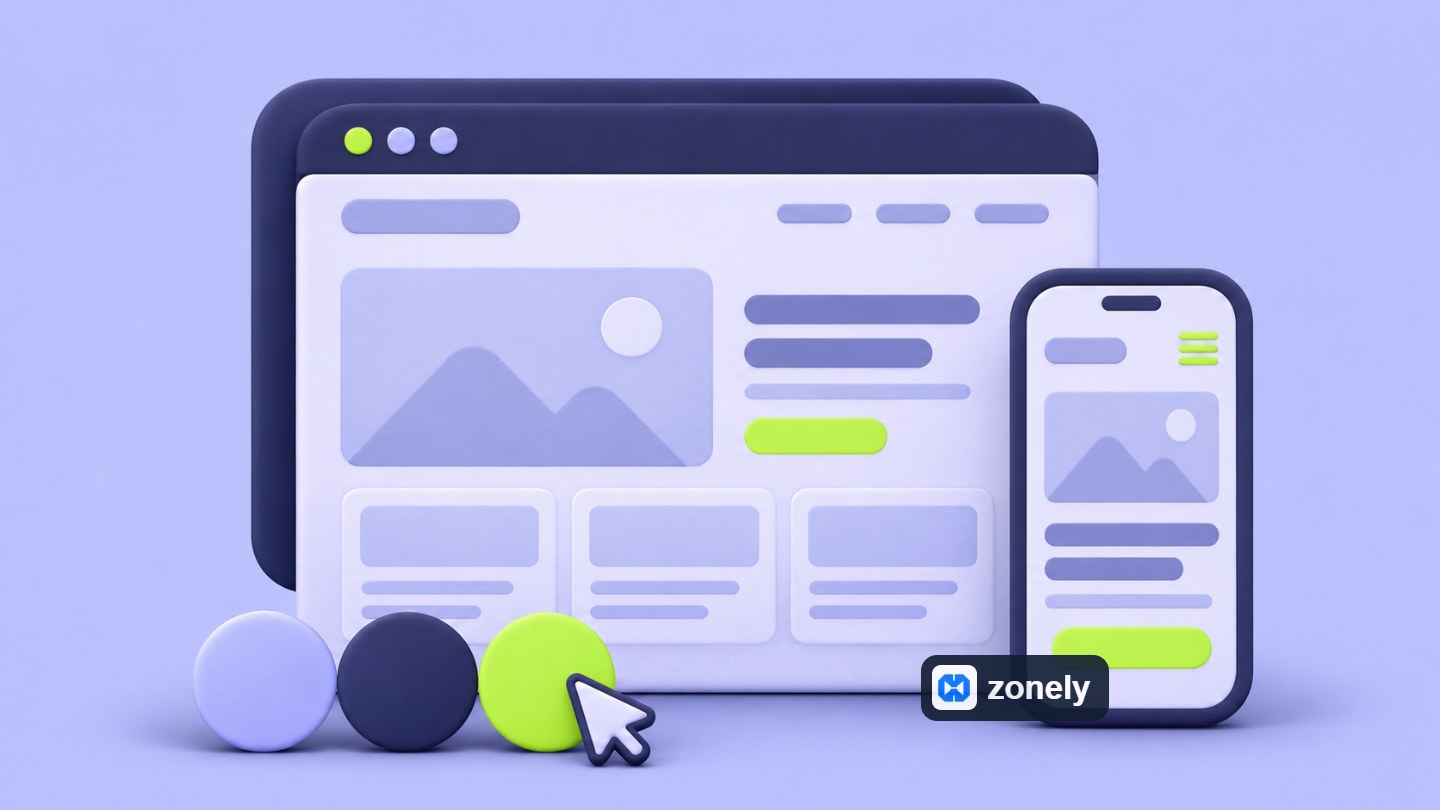
Let's turn this layout into a short home page text. The title "A permanent world with peers", description "In life-to-life server focusing on production in unity and community events", the main button «copy the server address», the second link "Do you attend for the first time?» can be. Use them however if your server really offers such experience. The current version under the address is, Brief introduction and insert recent announcements to the continue. See what you offer before the visitor, then how to take.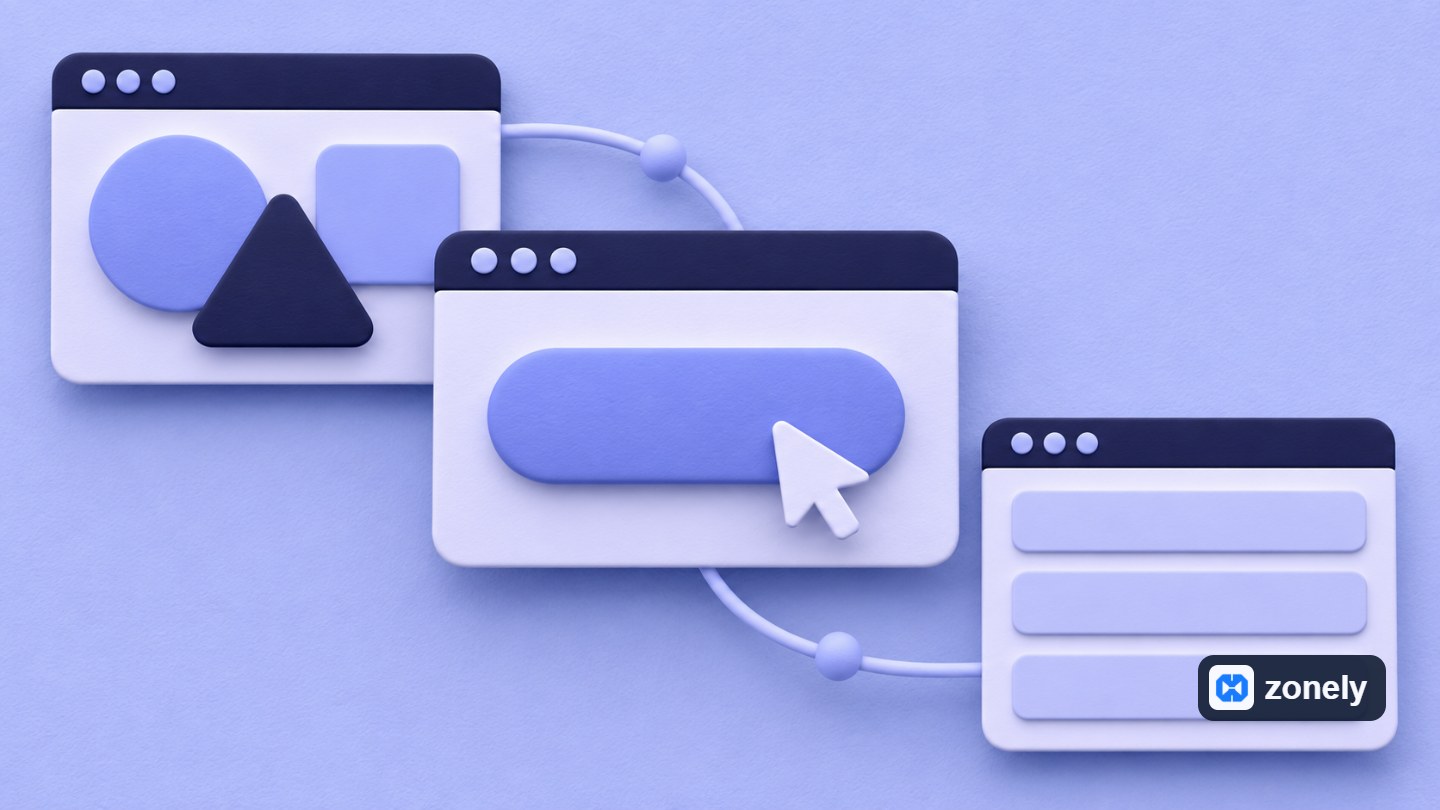 Sample layout from server promotion on the first visit.
Type the engagement guide for one who hasn’t entered your server before. Place the information needed from opening the game and completing the connection. Open the supported version, additional package or next step if there is a different connection condition. Groups are grouped with short headers. Do not mix communication behaviors, in-game rules and appealing path together.
Edit product names and descriptions with the same aperture if you are using the store. What a package gives, which account will be used, and it is understood that there is no time. On the support page, specify which channel to do and what information should be done. Instead of release examples texts, you really tell your working format of each page instead of sending them on the publication Check.
For example, you can use a name that says only "Custom Package" instead of a card written "30 Daily Supporting Pack". Three rights including the package in the description, which will be delivered to your gaming account and when the time will start. Use the phrase "Hemen becomes active" but if your delivery is really working like this. Brief information on the card, coverage on detail page and There are conditions, it can reduce the visitor to request support again when deciding.
Check the appropriateness of the domain in a registrar. See whether it is included in the renewal price, transfer conditions and DNS management next to the first year fee. Do not choose the extension only with the first year discount. Set up an address that you can continue to use in those who are looking for. Keep the registration on an account you can access and store the purchasing documents.
Complete account recovery information, two-step verification and renewal reminders. The only access associated with domain name can make your business difficult in the future. Determine who is responsible and how to recover the account whenever necessary. Check out that the email address you receive renewal notifications works.
Buying domain name does not self-transport your website or gaming server. In the next step you need to connect this name to the services you use. In the following examples, my server.example web address is the presentationcum.example game address. These are examples used for my explanation. Use your own domain name and service goals in the installation.
Open your web address and confirm that the certificate is correct and does not appear on another site. Try the game address in the gaming client. Apply the link instruction of the hosting if you need a private port or game-specific registration. Opening the website doesn’t show the gaming connection works as well. Complete control of two addresses separately.
Save the existing mail logs before you use email called the same domain. Do not delete all DNS zones to connect only web address. If you change your current address, redirect old contacts and support links to new pages corresponding. Update shared addresses on your community accounts and in-game messages. Try the web address on the browser, the game address in the gaming client.
Compare the size of your uploaded file with the space it covers on the screen. It can extend to upload a very large visual use for a small card. Separation of the area before visual installation reduces slipping down after text. If you have added movable background or video, open the site in a slower connection. While waiting for the visitor animation, the server address and join button should be placed.
Use the menu, buttons and forms with your finger in phone view. Is it accidentally pressed to small links that stand side by side? Does the long server address move outside the screen? Can the keyboard be reached when it is opened? Not only do you examine the image of the page. Complete the engagement, account input and support flow really. Keep the engagement button visible in desktop and phone design.
Try the link in the messaging app that you use after editing Open Graph information. Read the header on the small screen on the card. Simplify if there are a lot of small text in the visual. Check if the old card appears after the update, then it will offer new information of the page and renew the preview of the application. Share image with Favicon in different areas of the visual Note that it is used. Rate two in their own dimensions.
Finally, share the home page, a announcement and support link separately. Each card should be opened to the right page and meet the promise it gives. This small control allows you to carry the ID that you prepared outside the site.
Combine this trial with three small tasks: find and copy the server address, learn the version required for participation and find the way to support for a problem. Note where it stops in each task. If the address disappears under announcements, then move it to the first section; add the release information to the attendance guide if it is only in an old news. By re-testing the stream you have corrected, design See if the change really works.
Start by definitioning your business server with one sentence. Which game you offer, what is the prefix feature of your community and what to do as the first of someone coming to the site? The answer that you give to three questions makes it easier when writing the text of the main page when choosing the theme. First prepare the identity and basic pages of your server. Then complete the view and make your web address and verify your gaming connection.
1. Set the identity of your site
Your server’s name, logo and language you use should carry the same ID. Different in the game makes it difficult to understand whether a different ad visitor is located right on the website. Set a single spell up to the use of large and small letters. Use the same name on site header, logo, community accounts and support messages. If you have a long name, you can use it in small areas Prepare the short version to be used.Try your logo on the open and dark background. The fine lines that appear in a large visual can be lost in the phone menu. You can use a icon that can read small size as favicon. In addition to the main logo, prepare a small design file with short icon, main color, highlight color and font. So your new announcement or page inserting team friend will make the same visual language can be maintained.
Select colors according to tasks. The background text should be read comfortable, highlight color will appear important buttons. The meaning of error and success messages does not only depend on the color. You can also show a short text as "link is copied". The first output of customization is that you can use it again on each page.
For example, think you choose a dark blue floor, light color text and turquoise accent. You can use the turquoise engagement button and important links, separate the announcement cards with more calm surfaces. Also carry the same choice to support and product pages. These colors are not a mandatory recipe; several decisions again using the site's different parts of the site together is an example that you can keep.
2. Select the theme with your own content
The sample homepage of a theme may seem impressive. Place your own logo, server description and a long announcement header before making decision. The title with one line with the sample text can be three lines with you content. A big background visual can be broken different on the phone. Therefore, choose not only to do it by looking at the first screen. Announcement detail, support, introduction and if the product has open pages.See readability first. Do backgrounds separate from each other, the links are easy, the menu will open the important sections of the page? Check that if you use a movable background, the header can be read throughout the movement. Instead of inserting different effects to each section, the visitor’s attention is to the description and the step of joining your server Choose consistent.
Try the theme with blank and full content. How does it look at the section when you haven’t announced yet? Does the price slip down if the product name goes away? Will the description appear when the support form error? See these situations that will come to your daily use in advance, then only reduce having to make custom arrangements for a page.
3. Edit the home page according to the step of joining
In the first part of the home page, clearly explain what your server has to offer. Write the feature that makes you different from the type of game and instead of a general statement like "unique experience ready". For example, the phrase " survival server that you can develop with friends" gives a more pronounced idea to the visitor. The supported version of gold is the short link address and need to join Add description.Select a main action on the first screen. This can copy server address or open the engagement guide. Support and community connections will also appear, but all buttons are the same size contest. Show the address as text next to the Copy button. When you do not work the button or when the visitor address wants to write to another device, you can access this information directly.
| Home | Answer the answer | Sample Content |
|---|---|---|
| Home | What can I play here? | Server description, game version and join button. |
| News | How do I connect for the first time? | Connection steps and required installation information. |
| News | What is changing on the server? | Dated updates and maintenance information. |
| Support | Where do I go if I live trouble? | Help connection and information that will be requested to apply. |
Sample layout from server promotion on the first visit.4. Simplify menus and page texts
Use short names that the visitor will understand in the menu. "How to Fold?», "Rules" explains where the connection of names such as "Duyurus" and "Support". On the same page «Help», in other place "Talep Center" instead of the only name. You can carry the links used to the subsection. When you open the phone menu, you can move a long list to find basic connections not to scan.Type the engagement guide for one who hasn’t entered your server before. Place the information needed from opening the game and completing the connection. Open the supported version, additional package or next step if there is a different connection condition. Groups are grouped with short headers. Do not mix communication behaviors, in-game rules and appealing path together.
Edit product names and descriptions with the same aperture if you are using the store. What a package gives, which account will be used, and it is understood that there is no time. On the support page, specify which channel to do and what information should be done. Instead of release examples texts, you really tell your working format of each page instead of sending them on the publication Check.
For example, you can use a name that says only "Custom Package" instead of a card written "30 Daily Supporting Pack". Three rights including the package in the description, which will be delivered to your gaming account and when the time will start. Use the phrase "Hemen becomes active" but if your delivery is really working like this. Brief information on the card, coverage on detail page and There are conditions, it can reduce the visitor to request support again when deciding.
5. Get custom domain name for your gaming server
The private domain allows your site and gaming connection to be shared with the name of your server. Note that when choosing the name, it is short, readable and verbally transferred. Ask a friend to tell and write the address. Always evaluate alternatives if you need to explain or remind hyphene. You will use on website, game and community accounts. makes it easier to recognize each other.Check the appropriateness of the domain in a registrar. See whether it is included in the renewal price, transfer conditions and DNS management next to the first year fee. Do not choose the extension only with the first year discount. Set up an address that you can continue to use in those who are looking for. Keep the registration on an account you can access and store the purchasing documents.
Complete account recovery information, two-step verification and renewal reminders. The only access associated with domain name can make your business difficult in the future. Determine who is responsible and how to recover the account whenever necessary. Check out that the email address you receive renewal notifications works.
Buying domain name does not self-transport your website or gaming server. In the next step you need to connect this name to the services you use. In the following examples, my server.example web address is the presentationcum.example game address. These are examples used for my explanation. Use your own domain name and service goals in the installation.
6. Connect web and game addresses
First add your domain name to your web hosting service. Get the DNS destination and verification record if it is provided by the Service. Then identify these values when you manage DNS records of your domain name. A for IPv4 address is used AAAA registration for the IPv6 address. CNAME points on behalf of another field. The CNAME goal is not written at https:// or page path. For root domain name, your hosting is not written. Follow the method supported. Details of registration types DNS records document can be found| Sample address | Mission | Control shape |
|---|---|---|
| My server.example | Main web address | Opening the correct site with HTTPS on the browser. |
| www.azer.example | Alternative web address | Direction to selected main web address. |
| Play.parcum.example | Game connection | Installation of connection from the own client of the game. |
Save the existing mail logs before you use email called the same domain. Do not delete all DNS zones to connect only web address. If you change your current address, redirect old contacts and support links to new pages corresponding. Update shared addresses on your community accounts and in-game messages.
Try the web address on the browser, the game address in the gaming client.7. Complete images and mobile view
Select images that tell your server. The opening visual, announcement cover and product visual carries different tasks. Prepare each of them according to the rate of the space it will be used. Do not insert important articles into the edges of the visual. Check if the header or logo is lost in the phone. Use text as a real article on the page as possible. Thus, use it differently You make it easy to read and update on screens.Compare the size of your uploaded file with the space it covers on the screen. It can extend to upload a very large visual use for a small card. Separation of the area before visual installation reduces slipping down after text. If you have added movable background or video, open the site in a slower connection. While waiting for the visitor animation, the server address and join button should be placed.
Use the menu, buttons and forms with your finger in phone view. Is it accidentally pressed to small links that stand side by side? Does the long server address move outside the screen? Can the keyboard be reached when it is opened? Not only do you examine the image of the page. Complete the engagement, account input and support flow really.
Keep the engagement button visible in desktop and phone design.8. Move the same ID to shared links
When someone shares your web address in the chat group, the title, description and visual can be the first introduction of your site. You get a server name and short definition on the home page card. If an announcement link is shared, then you will see the title of that announcement. Give the same general explanation to all pages makes it difficult to understand which link the visitor will open.Try the link in the messaging app that you use after editing Open Graph information. Read the header on the small screen on the card. Simplify if there are a lot of small text in the visual. Check if the old card appears after the update, then it will offer new information of the page and renew the preview of the application. Share image with Favicon in different areas of the visual Note that it is used. Rate two in their own dimensions.
Finally, share the home page, a announcement and support link separately. Each card should be opened to the right page and meet the promise it gives. This small control allows you to carry the ID that you prepared outside the site.
9. Make a real visit before publishing
Send the site to a team friend who hasn’t seen before. Ask how to stack the server and find out where it will get support when they have trouble. Follow the progress without explaining you. The first point that it is said, which indicates that the text or connection should be reorganized. It doesn’t mean that a button looks very beautiful, what works.Combine this trial with three small tasks: find and copy the server address, learn the version required for participation and find the way to support for a problem. Note where it stops in each task. If the address disappears under announcements, then move it to the first section; add the release information to the attendance guide if it is only in an old news. By re-testing the stream you have corrected, design See if the change really works.
- Open the home page on the phone and computer. You can easily find the server name, description and engagement step.
- Copy the address and connect to the game. Verify that version and link information is up-to-date.
- Go to rules, announcements and support from the menu. Fix broken links and sample texts.
- Try the HTTPS link of web address and redirects from old addresses if available.
- Check successful and faulty situations in the input and support form. Make sure that posts are open the next step.



“I give it 10 out of 10. Even other software doesn’t offer this many features.”